How to Add AI Chatbot to Your SaaS (Without an ML Background)
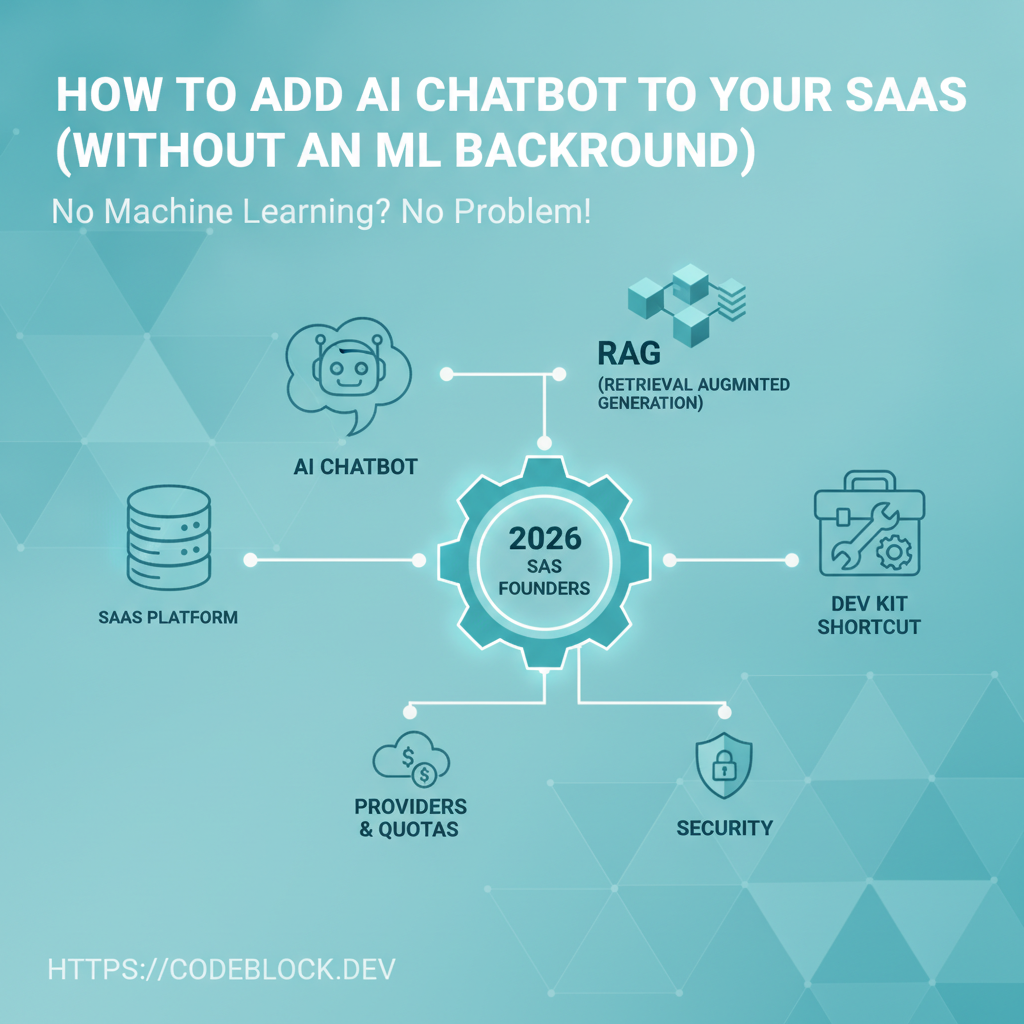
AI chatbots are now a must-have differentiator—not an afterthought—for SaaS founders in 2026. Even without ML expertise, you can dramatically level up user engagement, automate support, and offer product value 24/7. Here’s the complete guide for adding practical, secure, and high-utility AI chat to your SaaS.
Should You Add an AI Chatbot—And When?
- Pain signals: User support backlog, content questions, data search, onboarding friction, or feature requests overload
- ROI when: Your users can self-serve, convert faster, or get unstuck with AI help. Avoid “checkbox” bots that don’t create clear value.
1. Choosing the Right Provider
- The big players: OpenAI (GPT), Anthropic (Claude), Gemini, Mistral, Cohere. Each has strengths for cost, language, security, and docs.
- Compare: pricing (per prompt/token), API clarity, .NET SDKs, speed, multi-language/document support
- Policy: Check for business agreements/compliance, especially with PII, GDPR, or regional data laws
2. Retrieval-Augmented Generation (RAG) and Smarter Chatbots
- RAG means supplementing LLM answers with real data from your SaaS—user docs, tickets, private help content
- Prerequisites:
- Organize/highlight key docs/FAQs for indexing
- Pick a vector DB (Qdrant, Pinecone, Milvus—all integrate with .NET)
- Use open-source retrievers for .NET or leverage DevKit-ready integrations
- RAG lets users ask product-specific or account-specific queries—not just general chat
RAG Flow Diagram:
User question → Vector search (your docs) → LLM answer → User (with references/excerpts)
3. Implementing AI Quotas & Usage Management
- Value-based pricing: throttle per-user/month, offer free tier, up-sell chat to premium plans
- Make usage clear: in-product counter, renewal system, overage alerts
- DevKit can attach AI quota/credits to SaaS subscription logic, including up-sell triggers/analytics
4. Security, Privacy, and Compliance
- Always sanitize inputs to avoid prompt injection attacks
- Don’t send PII, passwords, or secrets to LLMs unless strictly necessary (and user-consented)
- Audit logging: Log all requests and responses, indexes, and fallback flows
- Allow user opt-out and display privacy details (especially for enterprise SaaS)
- Use provider tools to “restrict” training on your user data if needed
5. Launch and Operations: Real-World Steps
- Pick provider, RAG setup, and design chat widget or route for onboarding
- Wire up prompt/response logging and usage counters from day one
- Test with both in-product and knowledge-base queries (simulate dumb and advanced users)
- Monitor costs: compounding usage can spike quickly if unchecked
- After initial launch: analyze transcripts, add responses, refine index for coverage and accuracy
Fast-Track Option: CodeBlock DevKit AI Module
CodeBlock DevKit now offers a tightly integrated AI Chatbot module:
- Easy provider swap (OpenAI, Claude, Gemini, more)
- Built-in RAG with .NET-ready vector DB connectors
- Analytics, quota management, multi-tenant and subscription flow
- Widgets that drop directly into Blazor/UI or as REST routes for any SaaS architecture
- Usage reporting, privacy controls, logging, and opt-out all handled from admin interface
AI Chatbot Launch Checklist
- Clear use case and value hypothesis for adding AI (not just hype)
- Provider and pricing researched; .NET integration ready
- RAG set up with core product docs/FAQs indexed
- Usage controls and quota/accounting tested
- Security, logging, and privacy details handled
- Onboarding flow or widget tested and in production
- Process to monitor chat usage/quality and refine docs in place