How to Build a SaaS Product as a Non-Technical Founder
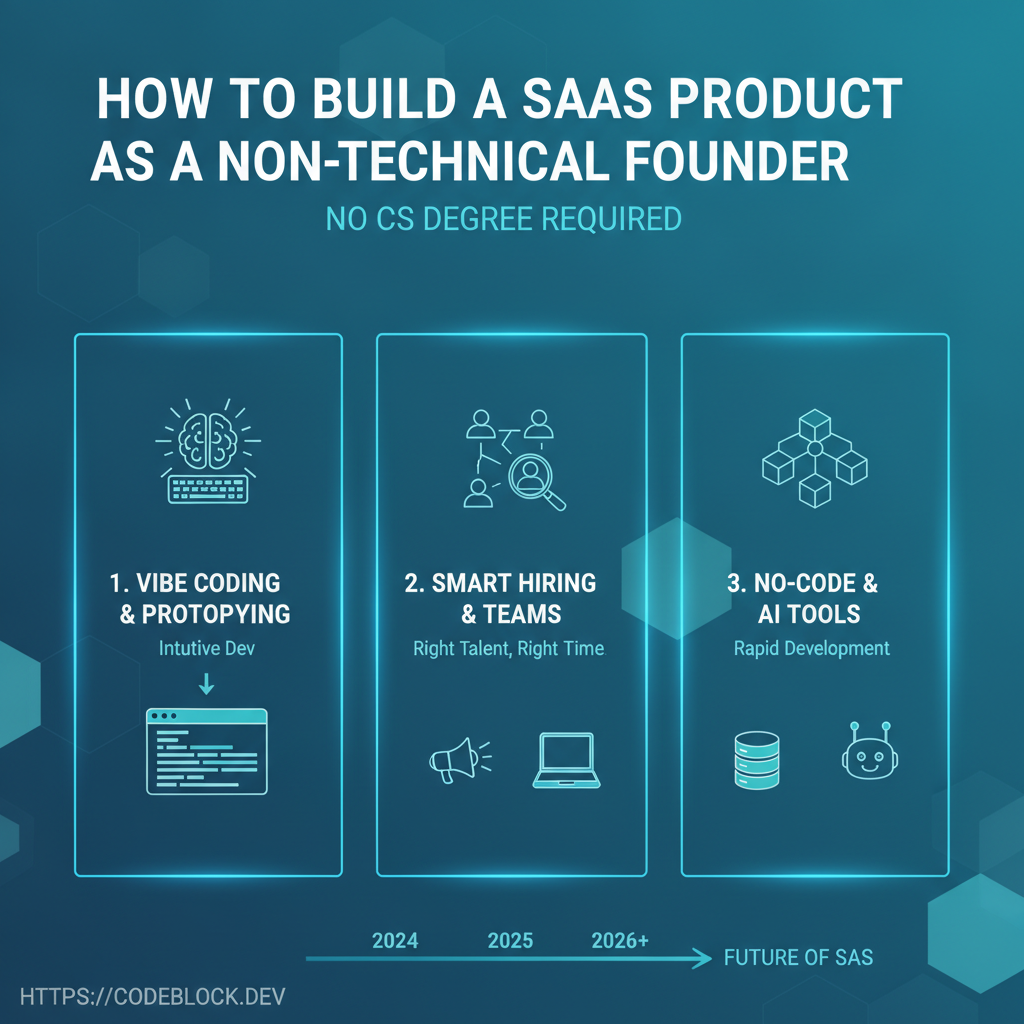
You don't need a CS degree, full-stack knowledge, or years in engineering to launch SaaS in 2026. AI, no-code, vibe coding, and modular starter kits put successful product launches within reach of non-engineers (and solo founders) for the first time. Here’s a modern path to SaaS from scratch, even if you can’t code.
1. Validate Your Idea (Faster Than You Think)
- Sketch out your core user and problem on paper or Figma/Miro (no tech yet)
- Use AI (Cursor, Copilot, ChatGPT) to outline product journeys, draft feature lists, or refine messaging
- Find “earlyvangelist” users: run surveys, user interviews, pre-sell or waitlist signups—validating need before committing to build
2. Rapid MVP with No-Code, AI, or Modular Starters
- No-code app builders: Bubble, Softr, Zapier, Pory (for workflows, landing, forms, internal tools)
- SaaS templates: Grab a .NET/Blazor/React SaaS starter kit or CodeBlock DevKit—pick one with built-in billing, onboarding, and admin flows
- AI-aided coding: Use AI to fill in logic, write integrations, generate code stubs. Copy snippets from trusted community resources.
- Don’t overthink: get to a user-testable MVP, not “perfect” UI/code
3. Hire and Partner Intelligently—On Your Terms
- Always outsource true engineering (auth, security, infrastructure) to experts if you’re not comfortable
- Budget weeks, not months, for contract builds—break work into milestones, track progress in Notion/Trello
- Learn enough “vibe coding” (prompting, basic CLI, code review) to direct freelancers clearly
4. Launch, Onboard, and Iterate
- Use template onboarding flows or AI tools for doc, welcome emails, and live chat
- Plug in payments, subscriptions, and analytics—no-code Stripe/Chargebee integrations are now standard
- Launch as soon as you have one “real” user ready to try; even alpha feedback beats months in stealth
- Iterate weekly on user feedback, keeping tech upgrades modular and catchable
5. Going Pro: When to Upgrade From No-Code
- As you scale, migrate to SaaS DevKit or custom stack for extensibility, API, or custom integrations
- Transition contractors or part-time engineers to code ownership as features become too complex
- Use AI/LLM copilots as ongoing code acceleration—guide roadmap, generate tests, automate bugfixes
6. Key Mistakes to Avoid (and How to Stay in Control)
- Don’t “build” before validating demand and price
- Don’t hoard equity for technical cofounders—buy, partner, or contract for specific outcomes
- Don’t get trapped by uneditable/no-code vendor lock-in: always maintain data exports and upgrade plans
- Prioritize user onboarding, payment flows, and feedback channels over deeply custom UI
7. Using CodeBlock DevKit as a Non-Technical Founder
CodeBlock DevKit gives non-technical/solo founders:
- Out-of-box SaaS foundations: billing, onboarding, admin, REST API, monitoring, support
- Minimal code config: launch with templates, automate launch flows, and (with AI support) iterate faster
- Documentation, example launches, and community support for troubleshooting and rapid learning
Launch with a no-code/MVP stack; migrate to DevKit as product/market fit (and growth) demand scale and uptime
MVP Launch Checklist for Non-Technical Founders
- Real user demand validated (survey, pre-sell, or waitlist)
- MVP built with no-code, AI, or modular starter
- Onboarding, payment, and analytics flows ready
- Engineering hired or contracted for risky/complex features
- Launch to first 3–5 real users for feedback
- Have upgrade plan to SaaS DevKit/expert stack
Explore more: