How to Add SMS Notifications to Your SaaS App (With Twilio)
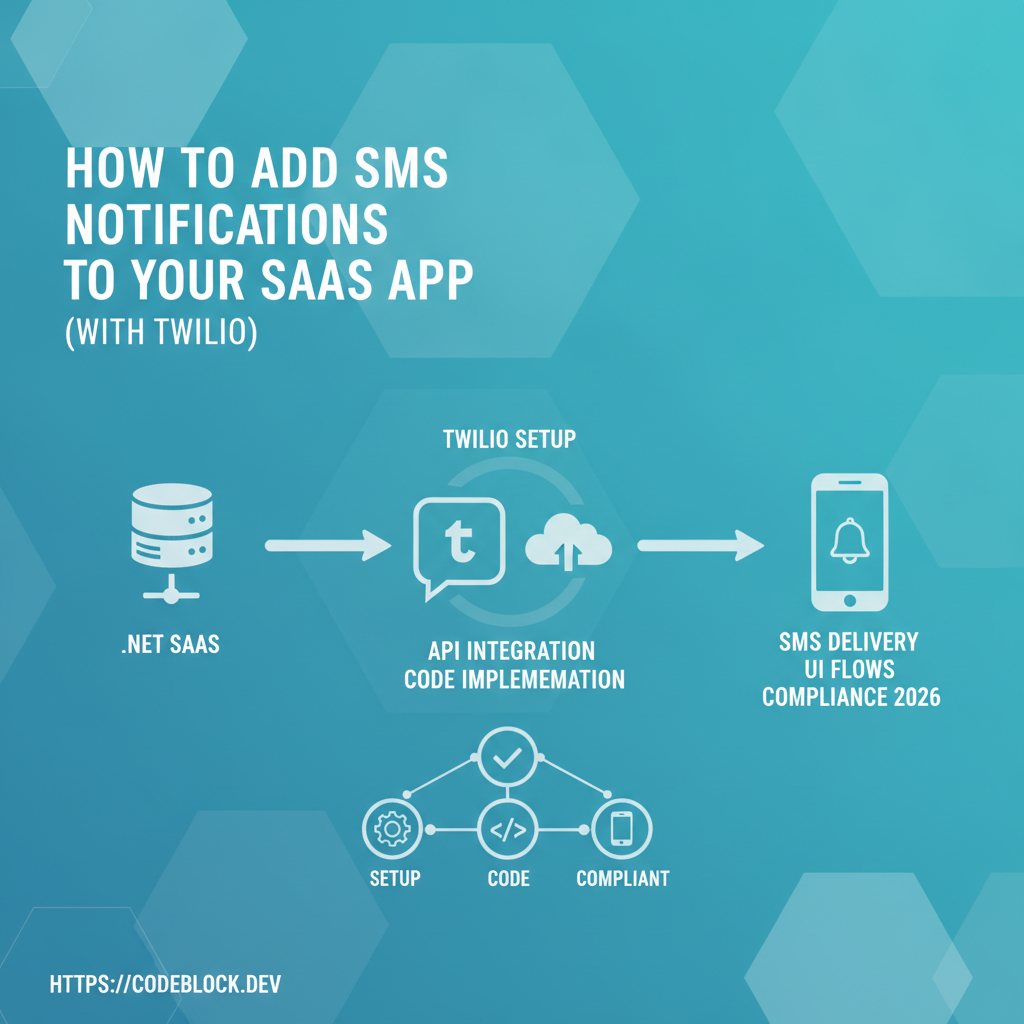
SMS remains the single most reliable notification channel for SaaS: messages are read instantly, and delivery rates trounce email. Twilio, as a global leader, makes SMS integration straightforward in .NET—but the real-world demands of security, compliance, and reliability demand a deeper approach than "just send a text." Here’s a mature, production-ready blueprint.
Why SMS Still Matters in SaaS (2026)
- Deliverability: SMS delivery rates hover around 98%+; critical for OTP/2FA, urgent payment, and system alerts.
- Trust: Users expect mobile authentication and reminders via SMS; it’s a trust factor for SaaS security.
- Compliance: Many regions (US/EU) require clear opt-in/out for marketing/promotional texts. Regulatory demand is rising.
- Engagement: Real-time confirmation (for onboarding, renewals, support) boosts retention and reduces payment failure churn.
Step 1: Choose and Set Up Your SMS Provider (Twilio)
- Register a Twilio account; verify your identity and purchase a sender number (long/short code as needed for your region).
- For international usage, obtain sender IDs or comply with local regulations (A2P 10DLC in US, DLT in India, etc.).
- Configure sender names, business profiles, and regulatory bundles in your Twilio console.
- Securely store your Twilio
AccountSidandAuthToken—NEVER hardcode or push to your repo. Use .NET UserSecrets, environment variables, or a secrets manager. - Tip: Review local SMS compliance and opt-in requirements. USA, UK, EU, and APAC can differ markedly on regulations and fees.
Step 2: Integration in .NET/Blazor
Install and configure the Twilio.NET package:
Install-Package Twilio
.NET configuration sample (appsettings.json):
{
  "Twilio": {
    "AccountSid": "...",
    "AuthToken": "...",
    "SenderNumber": "+19999999999"
  }
}
Always inject Twilio in services via IOptions<TwilioConfig>. Keep SMS logic behind an abstraction/interface to allow future multi-provider support.
Step 3: Critical Use Cases—with Example Code
OTP/Two-Factor Auth (2FA)
- Generate one-time code, store (hashed) with expiry for user, log send event for audit.
- Example:
var message = await MessageResource.CreateAsync(
  to: new PhoneNumber("+19991234567"),
  from: new PhoneNumber(twilioConfig.SenderNumber),
  body: $"Your login code is {otpCode}");
- Queue actual sending if on a web request thread; use background jobs for reliability and throttling.
Payment Reminders & Renewal Alerts
- Trigger reminders ahead of renewal and on failure. Include fallback: "Reply STOP to unsubscribe".
Admin/System Alerts
- Notify admins/devops for critical errors (infrastructure failures, high-urgency user actions).
Step 4: Asynchronous and Reliable Delivery
- Use a durable queue or task system—a 3rd party background job runner or Azure/AWS SQS, Hangfire, etc.—to send and retry failed SMS.
- Track delivery status using Twilio callbacks/webhooks. Persist failures and notify support for persistent issues.
- Respect carrier rate limits; batch and throttle sends as required.
- Implement DND logic to prevent users getting repeated OTPs in rapid succession.
Step 5: User Experience, Opt-In/Out, and Compliance
- Gain explicit user consent for SMS (checkbox or double opt-in at registration)
- Make unsubscribe/opt-out easy (reply STOP in all notifications, and provide an in-app management screen)
- Store and enforce DND preferences in your user profile DB
- Display to the user the costs ("Standard carrier rates may apply"), especially for international users
Step 6: Testing, QA, and Edge Cases
- Test with multiple regional numbers, invalid and ported numbers, and user accounts set to DND
- Use Twilio’s test credentials to avoid real charges while developing
- Monitor with Twilio's dashboard/Console, set up alerting on high failure rates
- Validate long/short code delivery by destination (some carriers filter aggressively)
Step 7: Monitoring, Reporting, and Anti-Abuse
- Log every SMS send attempt along with user ID, IP address, and req context
- Alert for large send spikes (may indicate abuse or system bugs)
- Monitor delivery rates per country/carrier and adjust flows if you detect issues
Advanced: Localization, Sender Strategies, Multi-Channel Fallback
- Template all messages with language/culture support; use resource/localization files
- For global SaaS, consider fallback: if SMS fails, trigger an email/push notification
- Use custom sender IDs/branding where local rules allow for higher open rates and trust
Common Pitfalls
- Not handling SMS delivery failures (network, carrier, billing blocks)
- Unclear opt-out UX (can get you fined or blocked by Twilio/carriers)
- Hardcoding sensitive credentials or failing to rotate tokens
- Sending messages at the wrong local time (in-app alerts help here!)
The CodeBlock DevKit Shortcut
CodeBlock DevKit integrates Twilio SMS notifications as a pre-built module: setup, delivery tracking, admin monitoring dashboard, opt-in compliance, and throttling are handled out-of-the-box. From 2FA to reminders to alerts, you get a production blueprint and robust analytics, with multi-language and fallback support built in.