How to Build a SaaS Admin Panel from Scratch (The Right Way)
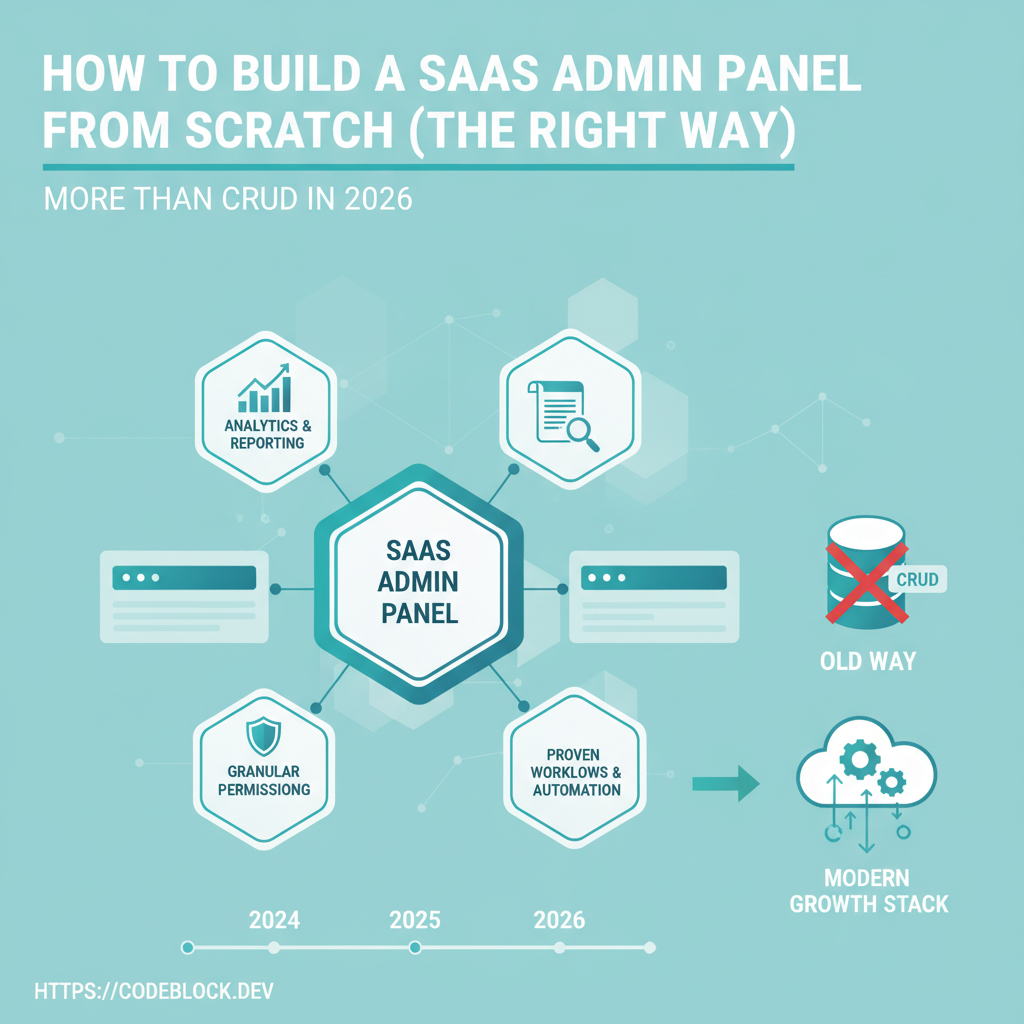
A SaaS admin panel is your company’s command center. Done wrong, it’s just a CRUD table graveyard—done right, it drives growth, trust, and operational excellence. Here’s how to actually build an admin panel that works for today’s SaaS (not for a 2010 web app), especially in .NET/Blazor.
Why a Great Admin Panel Is Critical
- Risk Management: Account recovery, payments/refunds, bans, manual upgrades—do these wrong and customers suffer (or you lose money).
- Analytics and Growth: Understand real usage, diagnose bottlenecks, and spot churn before it’s a problem.
- Support and Trust: Fast user support and “safe” recovery drive word-of-mouth and retention. Admin tools let staff fix trouble without devs.
Core Features of a Serious Admin Panel
- Role-Based Access and Permissions:
- Define and enforce who can see and do what (admin, support, finance, read-only).
- Use RBAC with fine-grained resource permissions.
- User/Customer Management:
- Lookup by email/id, search/filter by status/plan, impersonate if troubleshooting.
- Manual onboarding/offboarding, forced resets, team assignments.
- Subscription and Billing Management:
- View and manage plans, process refunds, issue credits, inspect invoices, update user status after payment failure.
- Analytics and Monitoring:
- Usage dashboards (logins, actives, failures), cohort tracking, error trends.
- Logs and Audit Trails:
- Track every action—who did what, when, and why. Store for years for compliance.
- Operational Workflows:
- Bulk actions (invite users, remove spam, reset passwords), export/import, delete/ban, manage integrations
- Danger and Confirmation:
- All sensitive ops (deletes, refunds, changing permissions) require confirmations, reason logs, and dual-control when needed (ex: two admins for high-risk ops).
Step-by-Step Admin Panel Blueprint
- Map out every real admin/support process: What emails do you get? What actions do staff take? Build UIs and flows around these, not just tables.
- API+UI pairs for each feature: Users, payments, logs, settings, tickets
- Integrate real-time/async: Long-running jobs need progress, feedback, error catchers (ex: background CSV export or refund processing)
- Design with "danger zones": Color, spacing, and confirmation for high-risk features. Enforce logging and reason collection.
- Continuous improvement: Add metrics to see which actions admins/staff use, and improve what’s slow or error-prone.
Security and Compliance in Admin Operations
- Assign all rights via roles. Never use ad hoc admin access.
- Audit every action, not just failures.
- Ensure all file and data exports/imports honor tenant/role boundaries.
- Do regular access/permissions reviews. Remove unused or excessive admin access.
- Comply with GDPR/PII—only let authorized staff access personal or sensitive data.
Modern UI/UX Practices for Admin Panels
- Design for efficiency: one-click actions, keyboard nav, bulk selection
- Support dark/light modes, accessibility, and responsive design
- Use overlays, banners, or modals for critical alerts (“payment system error!”)
- Make logs and analytics explorable; don’t just show numbers—add filtering and context
.NET/Blazor Implementation Patterns
- Use the Command/Query pattern (CQRS) to separate reads from writes
- API endpoints for every admin action (not just front-end code)
- Modular UI: pages/components for each resource; extend via features/plugins
- Error boundaries—never let a crashed UI take down the whole panel
- Test data: Use mock flows to let staff practice in non-prod before permissions go live
Evolving Your Panel—Why They Rot and How to Avoid It
- Panels stagnate when they only serve engineering (“devs use one panel, staff another”)
- Staff avoid using confusing or unsafe UIs (they file tickets, wasting time)
- Regularly survey support/admin staff, and improve based on pain points
The CodeBlock DevKit Panel Advantage
CodeBlock DevKit includes a full admin dashboard:
- Role management, permissions, team settings—out-of-the-box
- Payment, subscription, billing, refund, and credits support with audit logging
- Usage dashboards, error alerts, and real-time logs—plus exports and multi-channel ops
- Safe "danger" ops with confirmation and full tracing
- Easily extended for custom business flows, no need to reinvent the panel from scratch
Complete Admin Panel Launch Checklist
- Role-based/admin-only access in place
- User/onboarding, search, and lookup panels
- Billing, plan, and refund support (with audit log)
- Analytics/usability dashboard
- Logs, error monitoring, and support ticket flows
- All high-risk ops double-checked and logged
- Modular, evolving design (ready for new features)
- Staff/new admin onboarding docs and test data
- Compliance: action log export/retention
- Performance: panel loads quickly and handles real-time changes