How to Build a SaaS Membership Site in .NET
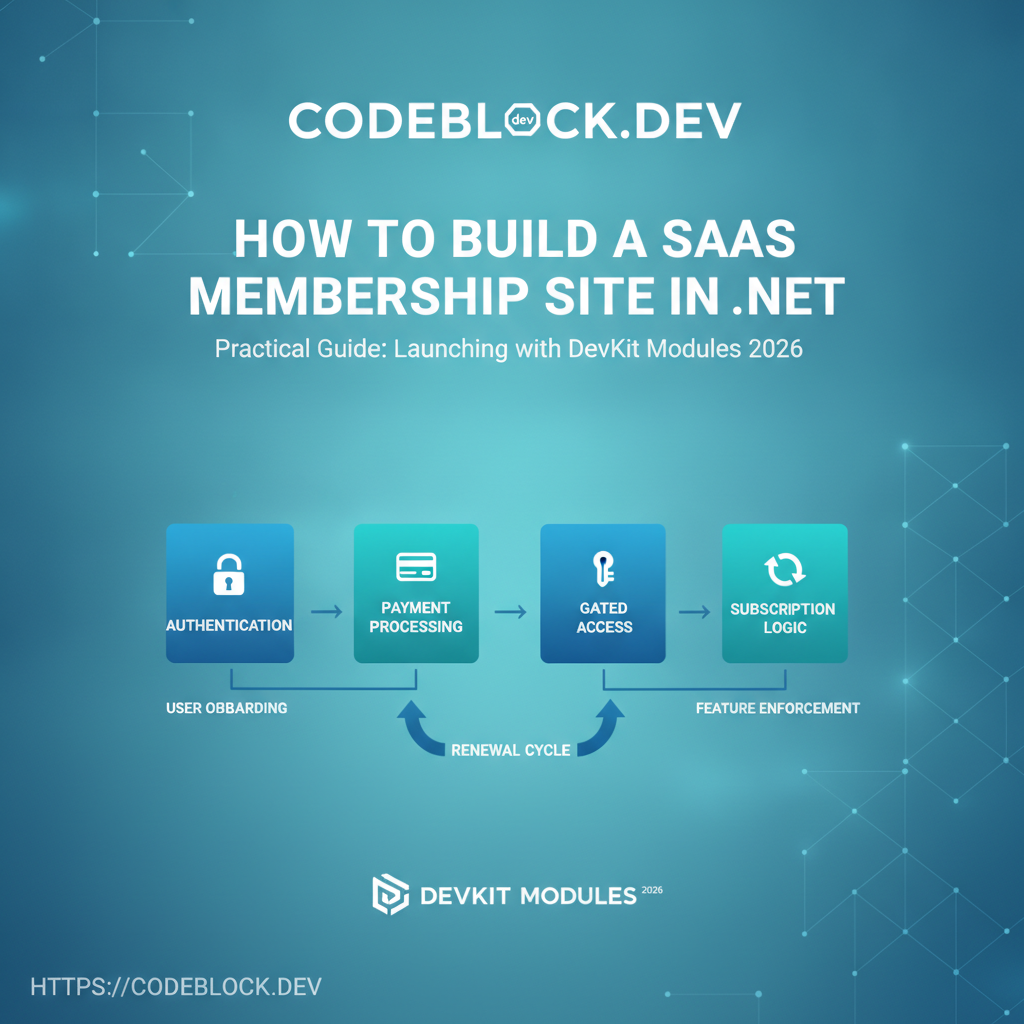
Membership sites are the backbone of recurring revenue for many SaaS businesses: courses, resources, communities, and tools. Building a great one in .NET (especially Blazor) means nailing authentication, payments, access gating, renewals, and UX for growth and retention. Here’s how to launch a robust, scalable SaaS membership product in 2026.
Why SaaS Memberships Are Unique
- Continuous value: Members expect updates, exclusive features, and support—monthly/annual promises drive retention and referrals
- Access gating: Customers pay for access, not just product ownership. UX must reinforce exclusive value, not frustration
- Flexibility: Tiers, coupons, plan changes, and community management are key
1. Architecture—Accounts, Roles, and Policy
- Use ASP.NET Identity (+ custom extensibility for extra profile fields, audit, role claims)
- One-to-many: single user, multiple memberships/roles
- Role-based OR claim-based: support for admin, member, premium, group-leader, support, and future expansion
- Secure all sensitive endpoints/routes (including APIs) by membership and tier—never just “is logged in?”
- Audit every access management event (role assignment, membership change, renewal/cancellation)
2. Payments and Plan Management
- Integrate Stripe, Paddle, or similar via NuGet and hosted checkout/session APIs
- Support for:
- Monthly, annual, lifetime plans
- One-off coupon codes, trials, freemium upgrades, and downgrades
- Clearly communicate plan, price, perks in UI across signup, dashboards, and emails
- Store customer payment tokens securely; allow card updates via self-serve
- Refund and proration logic ready (even if only available via admin at start)
3. Access Gating and Feature Locking
- Use policy-based auth in Blazor (or .NET Core) for UI and backend API
- Protect every component, page, endpoint—not just the navigation
- Always show “upgrade” or “renew” CTA instead of “access denied”
- Add granular tiering: forums, downloads, premium content, API usage, live events
Sample access check in Blazor:
@if (User.IsInRole("Premium")) {
    <PremiumContent />
} else {
    <UpgradePrompt />
}
4. Renewal, Account Management, and Retention
- Send email reminders for card expiry, upcoming renewals, and failed payments
- Grace periods after failed payment—soft lock customers with easy restore
- Self-serve cancel, renew, and plan change
- Allow admin/owner manual extensions, plan overrides, member account merge/split
- Track and display account “status” and renewal dates everywhere (UI/Notifications/Dashboard)
5. Member UX and Growth
- Onboarding wizard for new members—highlight “what to do first”
- One-click “upgrade” or “invite friend” flows
- Progressive disclosure: show new/locked features to tease upgrades
- Support for avatars/profile/notifications—personal touch for community sites
- Analytics on login streaks, engagement, premium conversion
6. Admin/Support Tools
- Dashboards: plan/usage overview, member search, full activity log
- Refund, credit, and proration tools
- Manual membership grants, suspensions, and upgrades
- Automated analytics and reporting for churn/interventions
7. DevKit Module Advantage
CodeBlock DevKit covers:
- Signup, payment, renewals, and account management modules (plug-and-play)
- Full admin portal for upgrades, downgrades, member merges
- UI scaffolding for Blazor or REST, complete with access gating by plan
- Automated reminders, easy extension for coupons/marketing flows
- Analytics for member health, trial/upgrade conversion, and churn
SaaS Membership Launch Checklist
- Strong auth/account architecture (ASP.NET Identity/claims/roles)
- Payments integration: Stripe/Paddle, with trials, coupons, upgrades
- Policy-based access gating for all features/pages
- Email reminder, grace, and dunning flows
- Admin dashboard for manual controls
- Self-serve account management, upgrades, cancellations
- Analytics on engagement and retention
- Automated onboarding and motivation flows for new members
- Secure storage and audit logs for key events
- Mobile and accessibility friendly