SaaS Subscription Management: What You Need to Build
Most developers building their first SaaS underestimate what subscription management actually involves. Setting up a Stripe checkout is the easy part. The hard part is everything that happens after the first payment: renewals, failed charges, plan changes, cancellations, grace periods, and the edge cases that only appear once real users are paying.
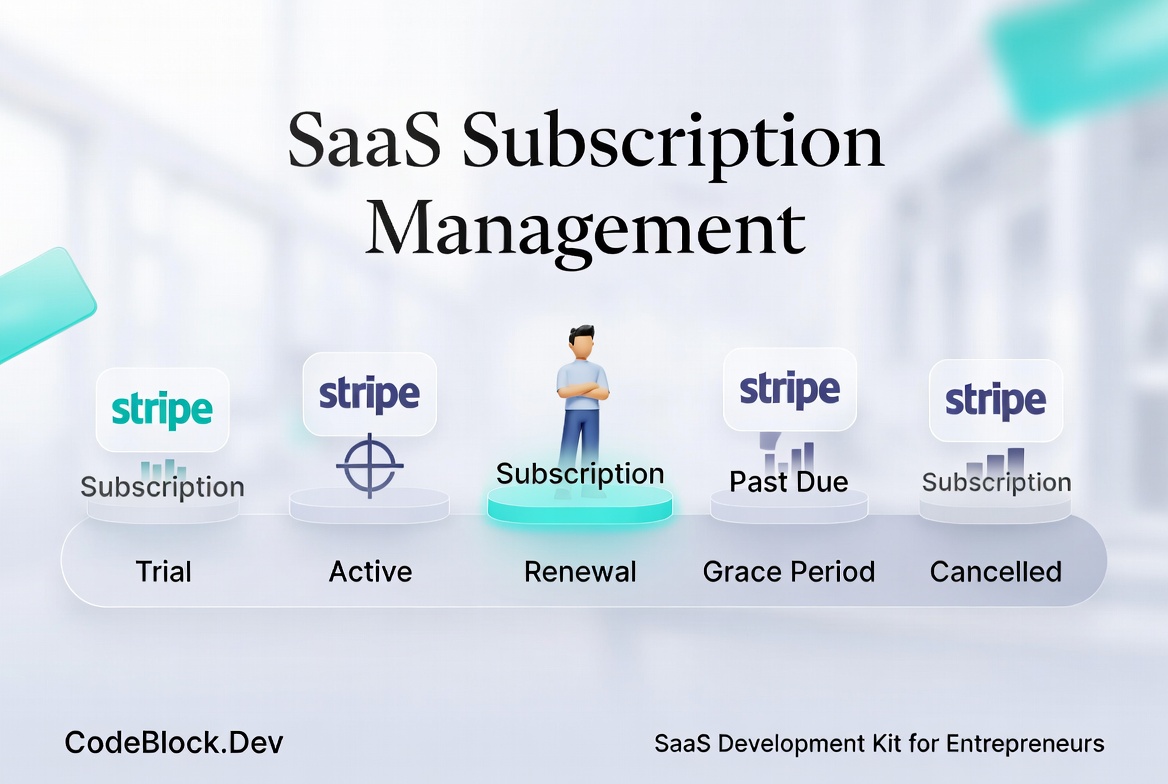 This article covers the full saas subscription billing lifecycle - what you need to build, why each piece matters, and where things typically go wrong.
The Subscription Lifecycle
A subscription doesn't start and end at payment. It goes through several stages, each of which needs explicit handling:
- Trial (if offered): the user has access but hasn't paid yet
- Active: a valid subscription with recurring billing
- Past due: a renewal attempt failed; the user is in a retry window
- Grace period: the retry window expired, but you're giving the user extra time before access is cut off
- Cancelled: the user has cancelled; access ends at the current period end or immediately, depending on your policy
- Expired: the subscription ended and was not renewed
Each state requires different behavior in your application: what the user can access, what they see in their dashboard, and what emails they receive.
What You Actually Need to Build
Checkout and Plan Selection
This is the most visible part. Users see a pricing page, select a plan, and complete payment. What this requires beyond the Stripe integration:
- Clear plan definitions: what's included in each tier, stored in a way that drives access control throughout the app
- Checkout session creation and redirect handling
- A success page that confirms the subscription and triggers onboarding
- A failure path: what happens if the payment fails at checkout
Webhook Handling
This is where most basic Stripe integrations break. Stripe communicates subscription state changes by sending webhook events to your server. If you're not handling them, your application doesn't know when:
- A subscription renews successfully
- A renewal payment fails
- A user's payment method expires
- A subscription is cancelled from the Stripe dashboard
- A refund is issued
Webhook handling needs to be idempotent (processing the same event twice shouldn't cause duplicate actions), and it needs to cover the full set of relevant event types, not just checkout.session.completed. Missing webhook handlers is the most common source of billing-related support issues in SaaS products.
Renewal Logic
When Stripe renews a subscription, your application needs to reflect that. The subscription's expiry date needs to update, the user's access needs to confirm as active, and a renewal receipt email should go out.
If the renewal fails, the subscription moves to past due. At that point:
- Stripe retries the charge according to your retry schedule (configurable in the Stripe dashboard)
- Your application should restrict access gradually or immediately, depending on your policy
- The user should receive a failed payment notification and a link to update their payment method
Plan Changes and Upgrades
Users will want to upgrade, downgrade, or switch billing cycles (monthly to annual). Each of these needs a clear flow in the user panel and correct handling on the backend:
- Upgrades typically take effect immediately with prorated billing
- Downgrades may take effect at the next renewal cycle
- Switching from monthly to annual usually means applying the remaining monthly credit to the annual price
These calculations are mostly handled by Stripe, but your application needs to update its own plan records and access control correctly when they happen.
Cancellation
A user cancelling should not immediately cut off access. The standard approach is to cancel at period end: the subscription remains active until the current paid period expires, then access ends.
Your cancellation flow needs:
- A confirmation step (with optional retention offer or exit survey)
- Clear communication of what "cancel" means (when access ends)
- A way to reactivate before the period ends
- The correct behavior when the period actually expires
Reminders and Notifications
The subscription lifecycle generates several emails that users expect:
- Welcome email on first subscription
- Renewal reminder a few days before the next charge (especially for annual plans)
- Payment failed notification with instructions to update payment method
- Subscription cancelled confirmation
- Upcoming expiry reminder if they haven't renewed after a cancellation
These aren't optional niceties. Missing a failed payment notification means users don't know their access is about to be cut off, which generates support tickets and chargebacks.
What Goes Wrong Without This
Without complete saas subscription management, the problems are predictable:
- Users who cancelled still have access because the expiry date never updated
- Users who renewed get locked out because the webhook wasn't handled
- Failed payments result in chargebacks because the user was never notified
- Downgrade requests cause double-billing because the plan change wasn't handled correctly
These are real bugs that appear in real production systems. They generate support work, refund requests, and trust damage.
One Less Thing to Build
The saas subscription software problem is largely solved. For .NET developers, CodeBlock DevKit includes a subscription module that covers the full lifecycle: checkout, webhook handling, renewal, failed payment logic, plan changes, cancellations, and grace periods, alongside the subscription management UI in both the admin panel and the user panel. It connects to Stripe and handles the details that a custom integration typically misses.
For an overview of what the full SaaS foundation involves beyond subscriptions, SaaS Foundations: The Hidden Work Behind a Real Product covers the other layers as well.