How to Build a SaaS User Panel (Features Every User Expects)
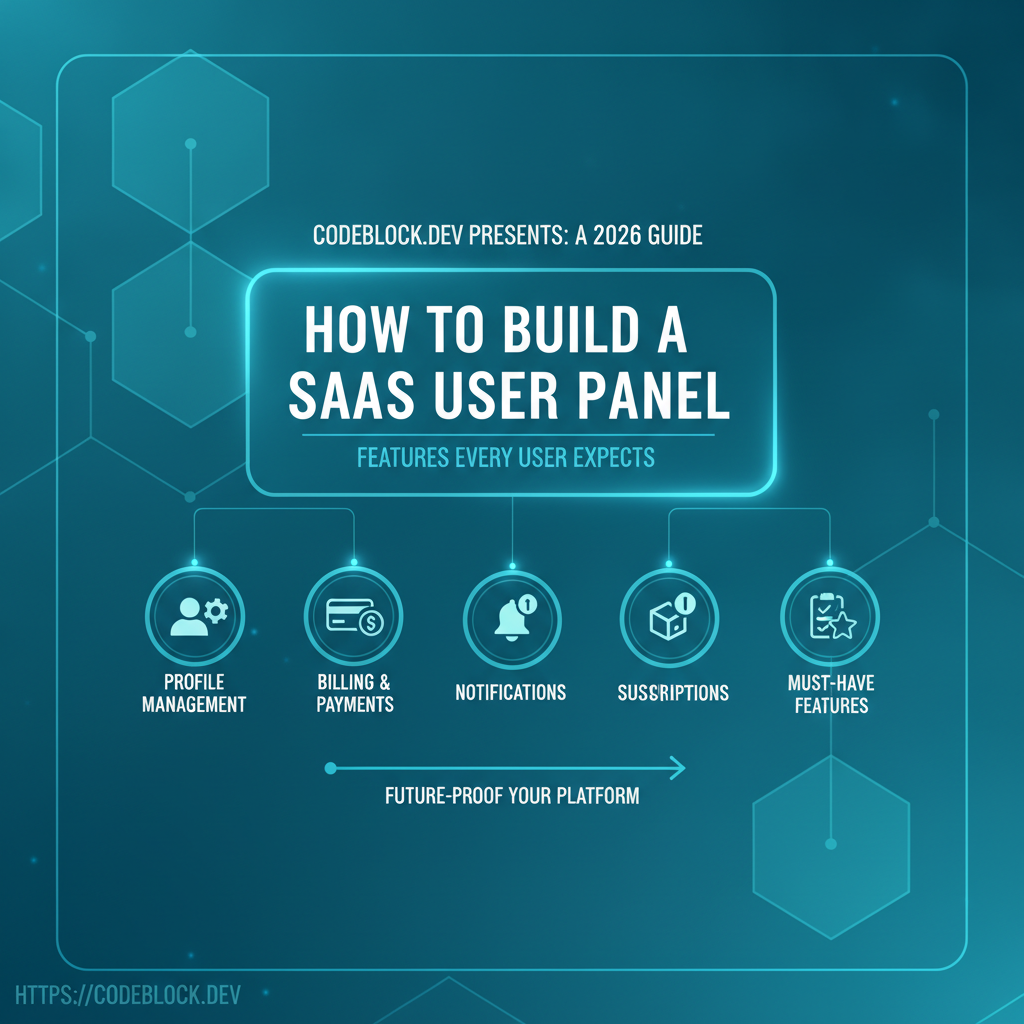
A SaaS user panel is more than a “dashboard.” It’s the control hub for customer satisfaction, upsell, billing, and loyalty. In 2026, self-service, transparency, and instant support are expected across every SaaS category—your user panel is where they all come together. Here’s a roadmap for building one that sets your product apart.
The Mission: User Panel as Retention Engine
- SaaS that put every critical task in one panel keep users longer and have lower support costs.
- Design for self-service: profile, billing, permissions, upgrades, and support are a tab away—never a support ticket away.
Must-Have Features Checklist
Profile & Account
- Editable profile: Name, avatar, email, password, 2FA settings
- Account security: device/session management, login history, connected social logins
Billing & Payments
- Upcoming/future invoices, full payment history
- Update card/add payment method, handle failed charges
- Download past invoices (compliance, B2B must)
- Cancel, pause, upgrade, or downgrade subscriptions—all clearly explained
Plan & Usage Display
- Show current plan/tier and all available upgrades/add-ons
- Usage meter: Quotas, credits, API calls, storage, or feature-gated stats by period
- In-context calls to action to upgrade/unlock (contextual, never nagware)
Notifications & Support
- In-app notification bell/center: new features, billing info, alerts
- Support integration: file/reply to tickets, live chat, or find self-service help docs
- Announcements/news stream
General UX
- Responsive layout for mobile/tablets, ARIA/keyboard accessibility
- Onboarding (“here’s how to get started!” or interactive tips for core actions)
- Personalization touches, dark mode/light mode, and locale/language switches
Table: Essential vs Pro Features
| Category | Essential | Pro / Upgrade |
|---|---|---|
| Profile | Edit info/password | Activity log, login location map |
| Billing | Update card/cancel | Tax receipts, invoice export |
| Usage | Plan/usage meter | Advanced analytics/forecasting |
| Support | Ticket system | Live chat, webhook callbacks |
| Notifications | App/email alerts | Custom alert routing |
Technical Implementation Tips (.NET/Blazor Focus)
- Treat the panel as its own app/module—not just a tab
- Structure “feature/vertical slice” components (ProfilePanel, BillingPanel, SupportPanel, UsagePanel)
- Use dependency injection for APIs, locale/theme providers
- Modularize for B2B: multi-tenant context, user org/role management
- Make all panels testable (mock APIs, end-to-end UI tests)
Advanced: Going Beyond the Basics
- Integrate feature flag/launch darkly for personalized product rollouts
- Add webhooks/export for power users (data control, open APIs)
- Enable SSO/social logins, team invites, and delegated admin capabilities for B2B
- Localize all text for global audience
How CodeBlock DevKit Makes User Panel Delivery Easy
CodeBlock DevKit includes a full-featured user panel module:
- Ready-made profile, billing, plan upgrade, support/ticket panels—and easy custom additions
- All integrated with SaaS modules (auth, billing, notifications, analytics)
- White-label ready: easily rebrand, theme, and extend
- Future-proof for new modules/features as your SaaS grows
User Panel Launch & Retention Checklist
- Editable user profile, login/email/password, and device list
- Fully self-serve billing and plan management
- Clear usage meter/quota and in-context upsell prompts
- Responsive, accessible design and onboarding flow
- Integrated support/help/contact options
- Announcements & notification center
- Localization/dark mode options
- Full data export/download options for compliance