How to Deploy a .NET SaaS App to Any Cloud or Server
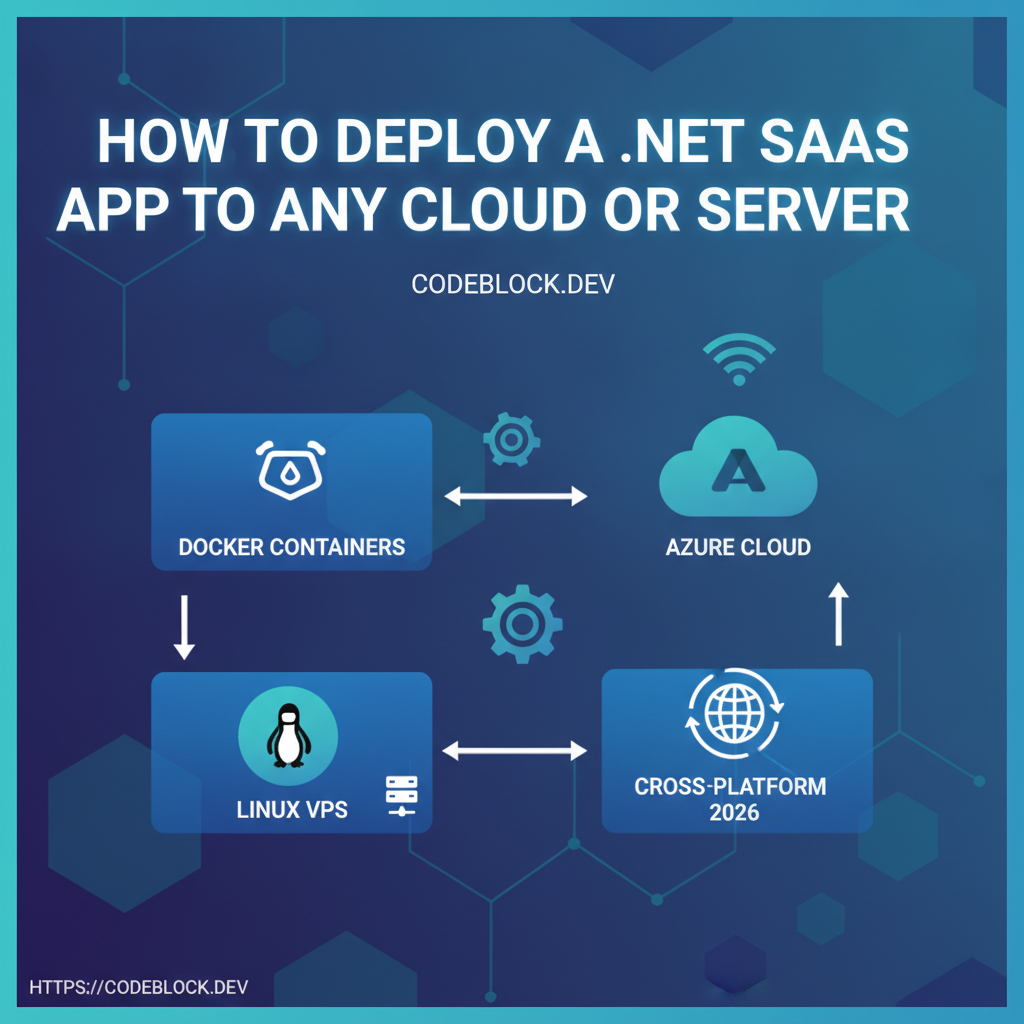
Launching your SaaS is just the first challenge—keeping it live, scalable, and portable to any environment is the real test. By 2026, cross-platform .NET is everywhere, and it's never been easier to deploy SaaS to any cloud, VPS, or legacy stack. Here’s a practical, detailed guide for robust, repeatable deployments.
Azure, the .NET Native Cloud
- Use App Service or Azure Web Apps for managed, push-button deploys (automatic SSL, scaling, health checks)
- Azure SQL, Blob Storage, Key Vault for database, files, secrets
- PaaS recommendations: use deployment slots for blue/green safe upgrades, always provision Key Vault for secret storage
- Serverless Function Apps/Containers for cost-pointed, on-demand workloads
Linux VPS and Cross-Cloud Options
- Build and run with Docker Compose or true Docker Swarm for small teams (DigitalOcean, Linode, Hetzner, AWS EC2, GCP)
- NGINX/Certbot for TLS/SSL, failover, traffic control
- Automate DB/file backups; test restores and retention
- Monitoring via ELK, Loki, or open source (Prometheus/Grafana)
- Kubernetes: use only when scaling/complexity require—prefer managed K8s (AKS/EKS) for fewer headaches
Windows/IIS/Hybrid Deployments
- IIS still needed for on-premises enterprise or hybrid-cloud contracts
- Use web.config for URL rewrites, startup configs, and multi-site management
- Schedule regular OS/package upgrades, renew SSL manually or use scripts (win-acme)
Cross-Platform Deployment Patterns
- Prefer environment-driven configs,
appsettings.{env}.jsonand managed secret stores - Bake in support for blue/green, zero-downtime releases
- Use health probes and readiness/liveness checks for fast rollback
- Document upgrade, manual fix, and recovery processes (install/run/restore docs for team & clients)
- Automate build/deploy/test per branch or tag if possible
Monitoring and Logging—Don’t Fly Blind
- Use centralized log/metric aggregation on all prod datasets
- Alert on error/failure, auto-escalate for downtime
- Always have a last-good backup and point-in-time recovery for DB and files
CodeBlock DevKit: Deploy Anywhere Without Headache
CodeBlock DevKit ships with ready-made deployment guides/templates for Azure, Linux, Windows, and Docker (including CI/CD). Templates adapt to any host.
- Staging and production configuration patterns built-in
- CLI tools or GitHub Actions for push-to-deploy, rollback, and backup
Deployment Launch Checklist
- Cloud/VPS/host chosen and access verified
- Secrets stored in cloud vault, not source/config files
- Health checks and centralized logging ready
- Backup/restore plan tested for all persisted data
- Deployment script/test for blue/green or safe rollback
- Documentation (internal + client) prepped for full ops
- First monitor/alert rule live before user traffic
Explore more: