How to Implement a Grace Period for Expired SaaS Subscriptions
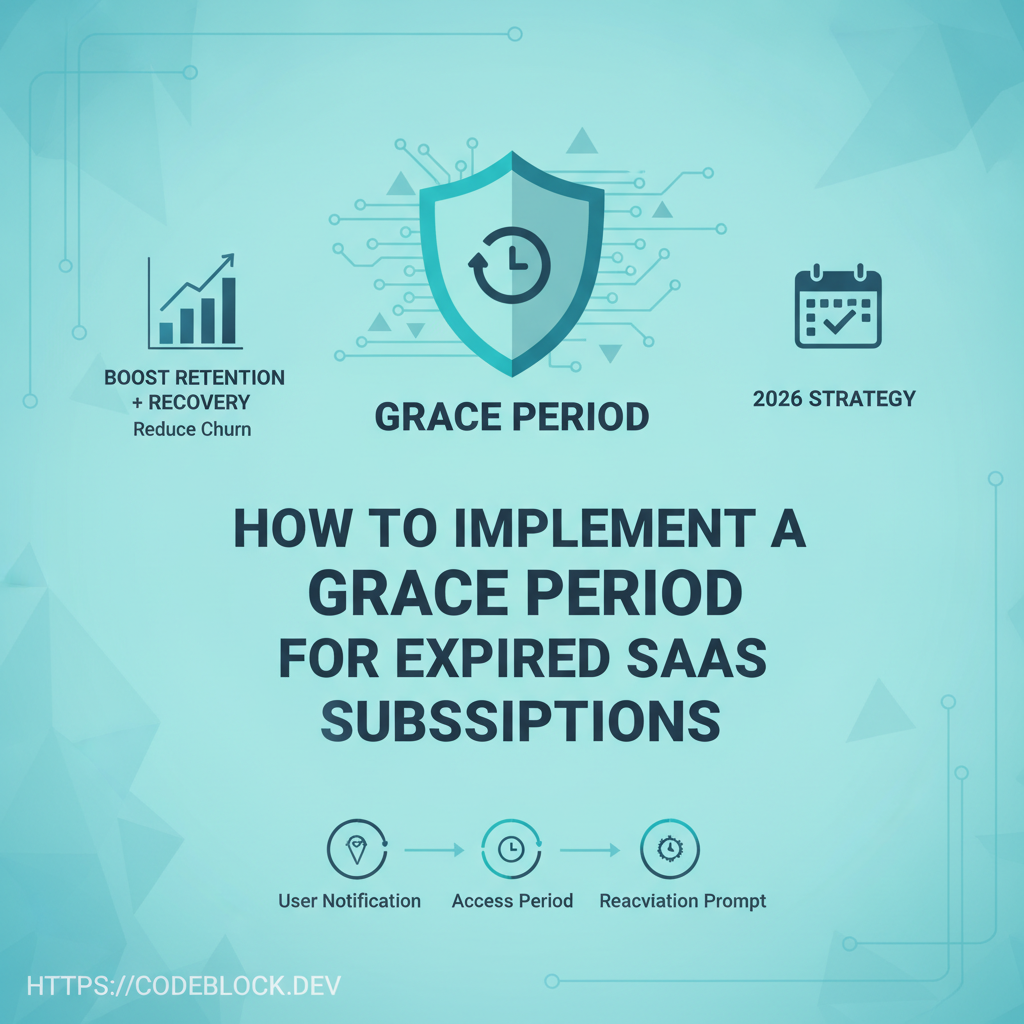
Churn kills SaaS, but instant account shutdown kills trust and revenue even faster. A well-designed “grace period” saves users and MRR, and is now best practice for 2026 SaaS launches. Here’s how to do it right.
Why Grace Periods Matter (For You and Your Users)
- Recover up to 20% of “lost” customers: most missed renewals are fixable
- Prevent accidental lockouts, angry Twitter threads, and damaging Stripe/Paddle disputes
- Legal and B2B expectations—increasingly required for end-user data and workflow continuity
Anatomy of a Great Grace Period
- Grace window: 3–14 days (pick based on typical user pay cycle, business plans, regulation)
- Status tracking: user flagged as “grace” (not expired) in DB and dashboard UI
- Notifications: sequence of emails/SMS/startup popups; immediate, halfway, and “final 24hr” alert
- User dashboard: clear, friendly banner: “Update payment to keep access—your plan is in grace period!”
- Support: prompt in-app chat/email for recovery help before true suspension
- Payment retry: scheduled in background, notify success, alert if max fails hit
- End-of-grace logic: auto-downgrade, suspend, or archive only after window closes
Implementation Steps (.NET Example)
- Model: Add a
SubscriptionStatus(active/grace/expired) andGraceEndDatefield - Set status to “grace” on first failed attempt, store retry/job schedule
- Trigger email/SMS cadence via job runner (Hangfire/Quartz/Azure Functions)
- Listen to payment success/fail webhooks, update status or retry count, automagically revert to active on success
- At
GraceEndDate, auto-downgrade/lock and notify both user and admin/support - Log all events for support, compliance, analytics on “user saves”
DevKit Shortcut: The No-Drama Way
CodeBlock DevKit and Stripe handle:
- Grace entry and exit state automation
- Built-in emails/SMS, retry, and dashboard banners
- Admin panel for manual extension, user escalation, and analytics
- Ready-to-tune schedule and notifications
Checklist: Don’t Launch Without It
- Grace period model/logic for all subscription products/plans
- Automated schedule, notifications, and support handoff
- Clean dashboard/UI cues for users in grace state
- Payment retry and event logging setup
- Easy admin override and reporting
- Test with Stripe/Paddle sandboxes for all fail/restore cases
- Back up/cancelation path clear after grace lapses
Explore more: