SaaS Subscription Management Software: Build vs Buy
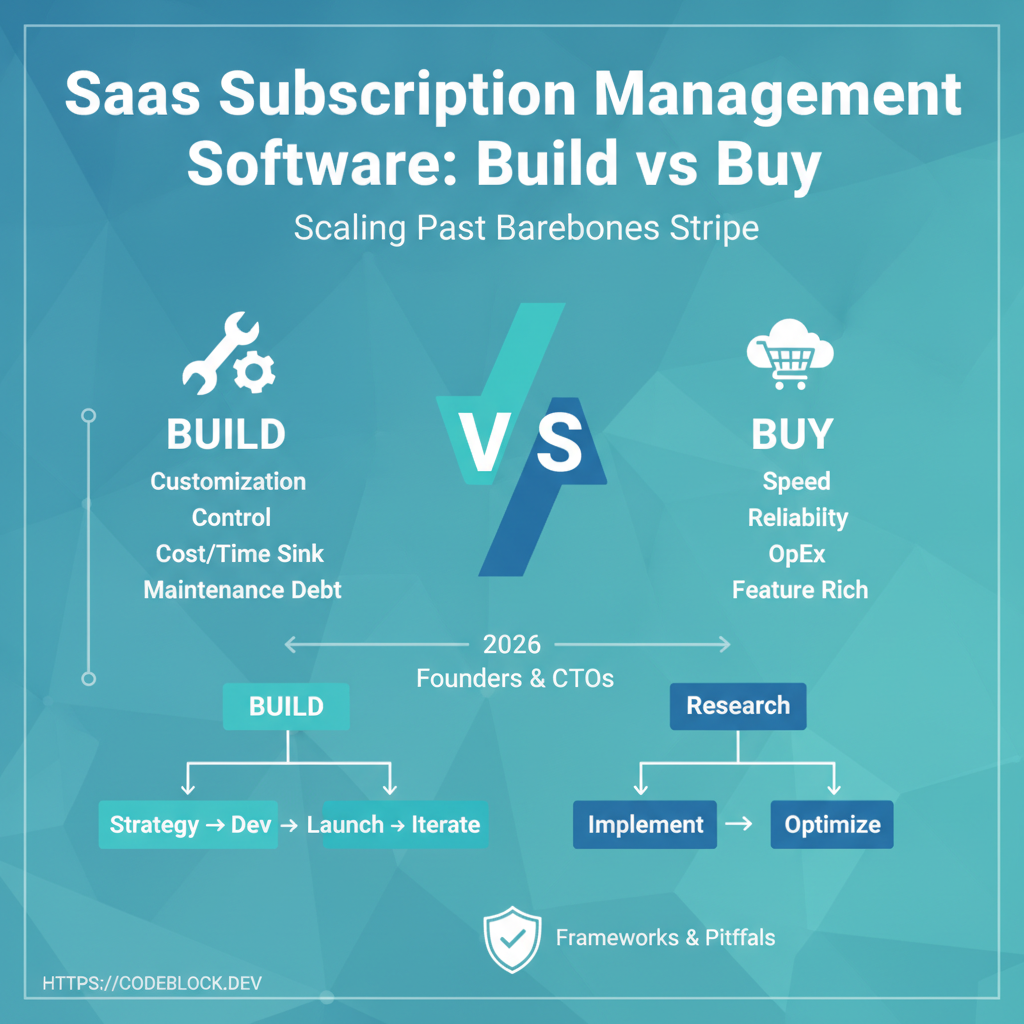
Subscription management is the nervous system of your SaaS: every signup, plan, invoice, renewal, and dunning cycle either builds trust or destroys it. Early on, rolling your own billing logic feels simple. Once you scale, complexity explodes. This article provides a decision framework for SaaS founders and technical leads facing the build vs buy question in 2026—drawing from real SaaS growth pains, legal shifts, and what leaders do when monthly revenue is on the line.
What Is Subscription Management? (And Why is it So Tricky?)
Modern SaaS subscription management means far more than charge-and-cancel. It must:
- Handle upgrades, downgrades, proration, and trial periods
- Track payment failures, dunning, retries, and churn risk
- Stay compliant with regional taxes, strong customer authentication, and data regulations
- Offer transparent reporting to founders and finance What founders underestimate: every edge case (e.g., re-activating an expired account, refunding a mid-cycle downgrade, EU VAT change) multiplies code complexity and exposes risk.
Option 1: Build Your Own (Pros & Cons)
Pros:
- Full control of every rule, workflow, report, and integration — critical for truly unique or regulated billing flows
- Strategically tailor logic for experimental pricing, partner programs, or custom user journeys
Cons:
- Requires deep ongoing investment. Engineering hours will balloon, especially as staff turns over.
- Compliance is a treadmill: regulatory or payment processor changes hit you first. For example, Stripe updates webhooks regularly; your code must keep pace.
- Audit trails and reporting for finance/legal are rarely built right on the first pass
- You own the bug queue, every failed payment alert, and every timezone or edge case
Example: A B2B SaaS serving complex medical billing builds an in-house module. It covers insurance reimbursement and multi-party settlements, but absorbs 30% of monthly dev time in maintenance.
Option 2: Buy/Adopt a SaaS Billing Platform
Pros:
- Rapid launch: start selling in days, not months
- Proven, up-to-date coverage for the most common SaaS use cases (proration, coupon codes, upgrades, seat-based pricing)
- Payment provider integrations (Stripe, PayPal, Braintree) and compliance updates are included
- Support, documentation, and user interfaces ready for your ops team
Cons:
- May require workarounds for truly unusual pricing or user scenarios
- Per-seat or revenue-based pricing can bite as you grow
- Data migration or lock-in: switching providers later is not trivial
Example: A fast-growing SaaS with typical subscription flows (monthly/annual, seat-based, coupons) chooses a commercial billing API. Devs focus on core value, and payment compliance is handled with provider releases.
Which Is Right for You? A Bill-or-Buy Decision Framework
When evaluating build vs buy, use this checklist:
- Are 90% of your billing needs truly standard (plans, coupons, upgrades)?
- Are there regulatory or market conditions (banking, insurance, medical) that force custom logic?
- Can you clearly scope your billing for the next 18-24 months, or will you pivot and experiment?
- Do you have in-house engineering capacity long-term to own compliance and bugfixes?
- Is your real competitive edge in billing, or in your platform? If you answer yes to 3+ questions about standard needs, bought solutions likely win. If you’re forced by compliance or competitive logic to go bespoke, take the plunge—but budget for ongoing overhead.
What to Look for in a SaaS Billing Solution
Whether you build or buy, examine these must-haves:
- Comprehensive, well-documented API with webhooks for events (payment, cancellation, upgrade)
- Native support for Stripe, Braintree, or PayPal (don’t glue them in yourself)
- Proration and mid-cycle changes handled transparently
- Real customer dunning management and delinquency alerts
- Exportable, transparent audit logs; clear reporting
- Clean integration to your authentication and tenant system
- Fast, knowledgeable support
Practical Tool: CodeBlock DevKit delivers a full subscription lifecycle engine for .NET SaaS: Stripe module, audit, reminders, real upgrades/downgrades, extensible with C#. For reference, see How to Add Stripe Subscriptions to Your .NET SaaS App.
Common Pitfalls SaaS Teams Run Into
- Underestimating maintenance: DIY billing starts out fun, then absorbs 10-30% of engineering time as team/requirements grow
- Skimping on compliance: Delaying tax or legal work increases risk later
- Migrating data: Locked-in with custom fields or vendor schemas? Plan migration strategy from day one
- Siloed data: Billing, auth, usage metering, and support must all sync—disconnected platforms create refund and support nightmares