How to Use Cursor AI to Build a SaaS App (With a Boilerplate)
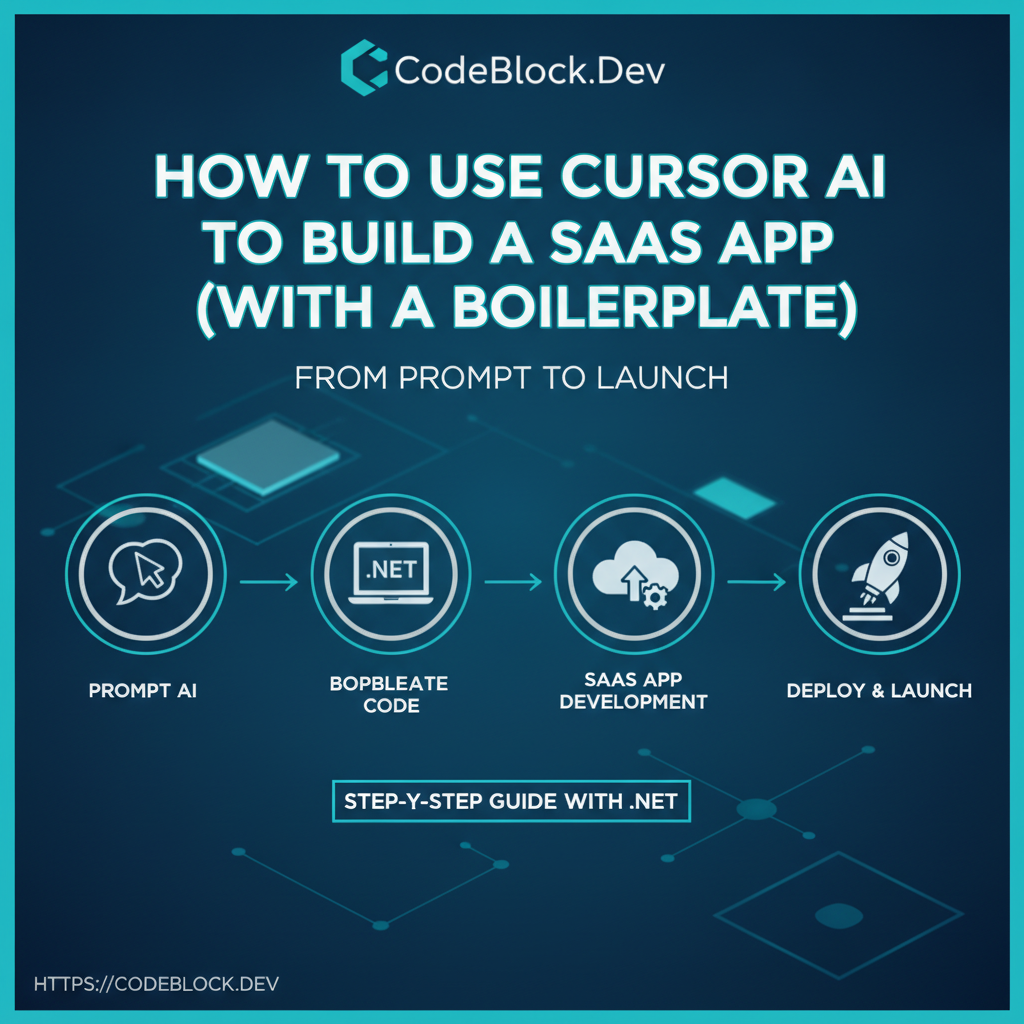
AI coding assistants and modern SaaS boilerplates have made launch speedups in 2026 something every founder can reach. Here’s a step-by-step for combining Cursor AI (or Copilot/Cody) with a .NET SaaS starter for fast, production-ready results.
1. Find/Prepare a SaaS Boilerplate
- Pick a modern starter with proven modules (CodeBlock DevKit—for .NET, others for Node/React, etc): authentication, payments, admin, monitoring, upgradeable modules
- Clone, read docs, run locally—be sure deployment and basic flows work before adding features
2. Set Up Cursor AI In Your IDE
- Install Cursor (or Copilot) plugin/tools in VSCode or preferred IDE
- Get familiar with prompt flows/keyboard shortcuts—write a few “practice prompts” to see what output formats you get
3. Prompt and Build Core Features
- Structure prompts tightly: “Add invoice CRUD to /api/billing, with Blazor client forms and routes”
- Use AI to stub out page components, forms, validation, and API endpoints. Let the boilerplate handle core infrastructure (auth, billing, etc).
- Review every signed-in UI for auth, roles, and correct error handling
- Generate automated tests, CI setups, and deploy configs via AI—double-check for security and secret handling
4. Human-in-the-Loop QA and Improvements
- Manually review AI code for business logic, edge cases, and prod traps
- Use Cursor to fix specific bugs: “Add a null check here” or “Write a unit test for…”
- Regenerate/refine prompts for complex flows (multi-stage forms, cross-module integrations)
5. Going Live: Test, Deploy, and Learn
- Ship to staging early—use the boilerplate’s deploy/CI/CD scripts for repeatable launches
- Get feedback from real users/team, then iterate with Cursor/Copilot for tweaks
- Upgrade modules with DevKit or boilerplate releases to avoid code rot
Why This Approach Works
- Trust boilerplate for hard parts (auth, payments); use AI for repetitive/plumbing/features
- Non-experts and solo devs can ship as fast as teams—dev cycle becomes "prompt, refactor, launch"
- Reduces wasted time: best-practice security, admin, and support is pre-built
Launch Checklist (AI + Boilerplate MVP)
- Boilerplate cloned and working locally
- AI plugin installed/tested with practice prompts
- Prompts drafted for every custom feature
- All business-critical logic reviewed and tested
- Tests, CI, and deployment workflows in place
- Staging deployment before public launch
- Feedback loop with users/team before going live