SaaS Job Scheduling: How to Run Background Tasks Reliably
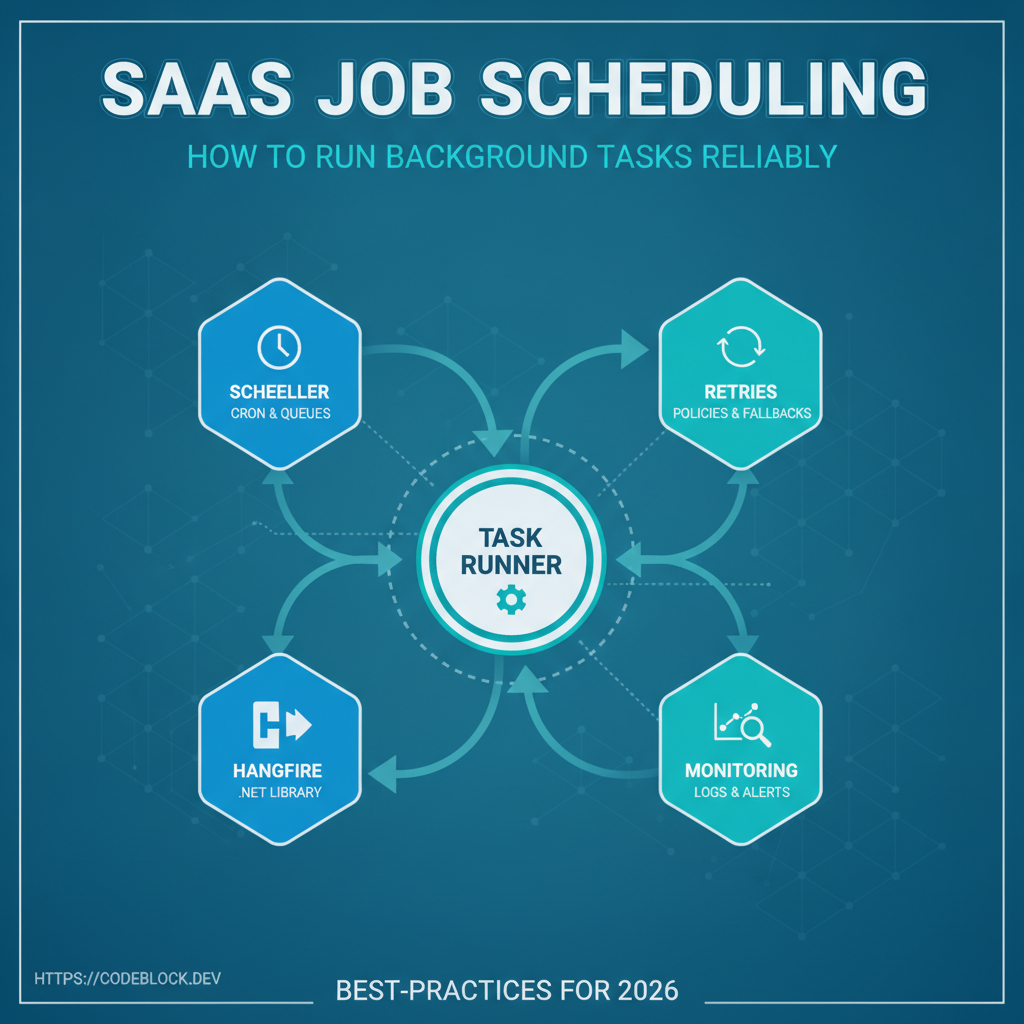
Job scheduling powers “always on” SaaS: reminders, billing, data syncs, scheduled emails, and daily/weekly reports. One missed background job can destroy user trust or lose revenue. Here’s a professional roadmap for bulletproof .NET (and general SaaS) background processing.
1. Choose Your Scheduling Architecture
- For simple apps: in-process background jobs (good for demos, never for prod scale).
- For production: Use distributed queuing (Hangfire, Quartz.NET, cloud work queues like Azure WebJobs or AWS SQS+Lambdas).
- Run jobs outside your web/UI process—scale, restart, and recover independently.
2. Implementation Details
- Queue critical jobs: billing, email batch, API syncs, cleanup. Schedule with CRON/expression as appropriate
- Retry smart: exponential backoff, dead letter for repeated fails, dedupe by ID
- Log start/completion/errors per job to central store (ELK, Seq, CloudWatch, DataDog, etc)
3. Security and Monitoring
- Secure job triggers—never allow user input to feed arbitrary jobs
- Set strict timeouts; alert & halt long-running or stuck jobs (metrics: mean run time, failure rate)
- Only allow trusted roles/API callers to view/manage job status
4. CodeBlock DevKit: Turnkey Job Scheduling
CodeBlock DevKit handles all common job scheduling in SaaS:
- Integrated admin UI, dashboards for monitoring jobs, error alerts, retry controls
- Config, CRON, and queue management
- Works with Hangfire/Quartz, but UI fits directly into Blazor/.NET admin
Job Scheduling & Monitoring Launch Checklist
- Dedicated job queue/service, not in-process for prod
- Logging of all job start/finish/error events
- Retry/backoff config and dead letter queues tested
- Health checks, stuck/slow job alerts live
- Secure admin UI (not public!), Role/tenant audit
- Docs and runbook for job recoveries
Further reading: