How to Send Transactional Emails in a SaaS App (.NET Guide)
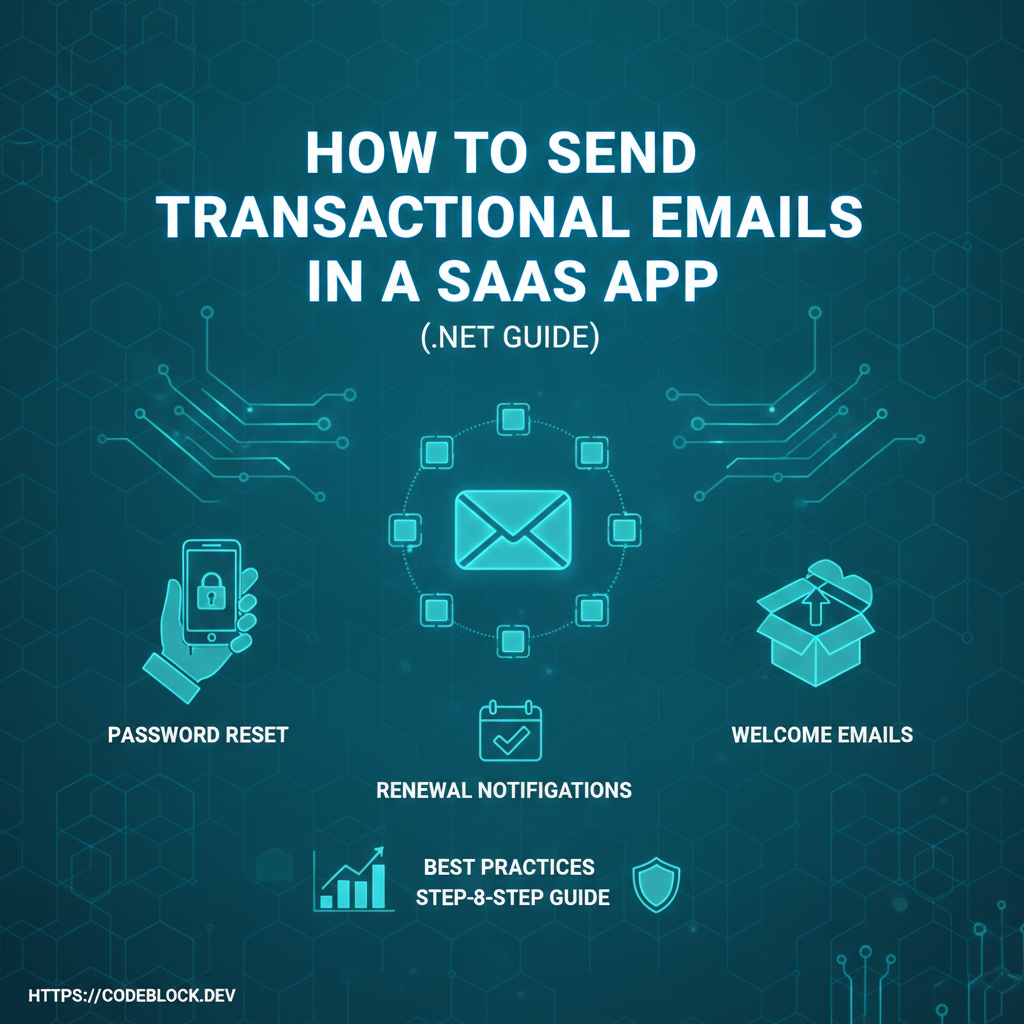
Transactional emails (welcome messages, password resets, payment alerts, and renewal reminders) are must-haves for SaaS in 2026—without them, onboarding, security, and retention all suffer. Here’s your actionable guide to implementing, scaling, and monitoring transactional emails in .NET SaaS apps.
1. Choose a Modern Email Provider
- SendGrid, Mailgun, Amazon SES, SMTP: Prefer those with proven .NET SDKs, high deliverability, and analytics dashboards.
- Set up DKIM, SPF, and DMARC for your sending domain—improves trust and inbox placement.
- Store provider API keys in a secure secret store, never in code/config files.
2. Message Types and Templates
- Welcome/new signup
- Account verification/activation, password and email change, 2FA code
- Payment, subscription, and renewal notifications with direct action links
- Receipts/invoices, failed payment/failed renewal, promo announcements (only if opted-in)
- Templating: use Razor/Scriban or provider HTML templates, localize for multiple languages, support dynamic data (user name, plan, renewal date)
3. Implementation & Scaling
- Integrate provider SDK and configure background delivery (e.g., Hangfire, Quartz)
- Queue emails on actions—don’t block user UX for delivery failures
- Log all send attempts, failures, and user bounces (with retry and fallback email options)
- Sample C# queueing via Hangfire:
BackgroundJob.Enqueue(() => emailService.SendWelcomeEmail(userId));
4. Monitoring, Legal, and Privacy
- Monitor send rates, bounce/complaint metrics, and logs for undelivered emails. Automate Slack/email admin alerts for high errors.
- Never email secrets/passwords—use one-time links only for resets/verifications
- For newsletters or promos (not critical transactional): require explicit opt-in, include easy unsubscribe (CAN-SPAM/GDPR compliance)
- Archive logs for 1–3 years for support/compliance; scrub after retention window for privacy
5. CodeBlock DevKit Automation
- CodeBlock DevKit offers SaaS-ready transactional email support: background processing, built-in templates (localizable), robust logging, and secure config for all major providers. Plug and go, and customize for your brand.
SaaS Transactional Email Checklist
- Secure provider integration, DKIM/SPF/DMARC set up
- Message templates for welcome, reset, payment, renewal, errors
- Background delivery and alerting/monitoring for failures
- Logging and bounce/delivery tracking
- Compliance: user privacy, opt-in/out, and retention setup
- Admin/test flows for staged account lifecycle events
Explore further: