SaaS Refund Policy: What to Offer and How to Handle Refunds
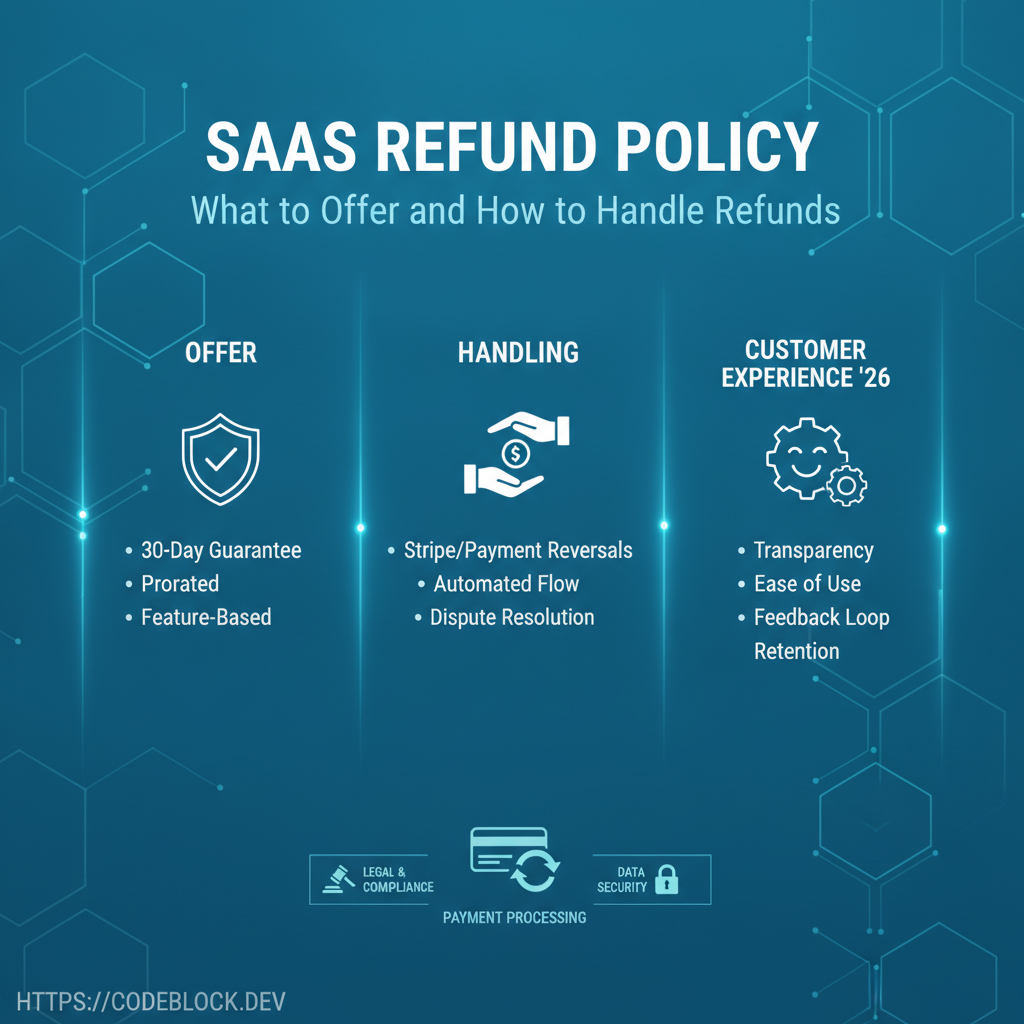
Refunds are SaaS reality. Surviving (and thriving) means embracing them as a user trust tool and regulatory requirement, not as a threat to revenue. Here’s how to build, automate, and communicate SaaS refunds the modern way.
1. Common Refund Scenarios
- New user remorse: buyer’s regret, accidental clicks/upgrades
- Dissatisfied/hardship requests: product didn’t work, support gaps, financial stress
- Technical/service outages, renewal errors, failed upgrades/downgrades
- Regionally regulated events (EU/UK cooling-off, B2B contract failures)
2. Build a Clear, Fair Refund Policy
- Spell out the refund window (7/14/30 days), exclusions (annual/quarterly by case), region-specific compliance (EU/UK/US)
- Free/paid trial distinctions, proration (partial refund after mid-period cancel), and account/DAO refunds for team products
- Display on checkout, receipts, and every billing email—transparency gains trust
3. Automation and Execution
- Integrate Stripe/Paddle refund API/module; prefer automation to manual admin-only processing
- Log every refund/attempt (user, admin, date, reason, result)
- Auto-email refund confirmation/status; handle slow payment/PP disputes separately (document timelines and conditions)
- Document refund rationale in admin dashboard for customer service/success teams
4. User Experience and Recovery
- Quick email status update (“refund processed,” “next payment blocked,” or “case denied” with clear reason)
- Special case: negative review, fix root cause—offer a win-back, discount, or power-up if customer had an issue that’s now resolved
- Record all support tickets, offer reconnect/link, and measure returned/cancelled win-back rates
5. CodeBlock DevKit: Refunds, Done Right
CodeBlock DevKit offers out-of-the-box refund automation, admin controls, and Stripe/Paddle integration
- Process refunds within 1 click, search/filter past actions, and sync policy text with product emails/notices.
Refund & Support Launch Checklist
- Refund policy clearly displayed on web, in app, on receipt
- Automation for Stripe/PayPal enabled, audit/admin controls live
- Timely user emails/status, logs, and NPS/feedback for every refund
- Legal review for region/plan compliance
- Win-back and recovery strategy on negative feedback/outage cases
- Privacy/retention/GDPR-compliance in ticket/refund logs
Explore further: