What Is RAG? And How to Use It in a SaaS Chatbot
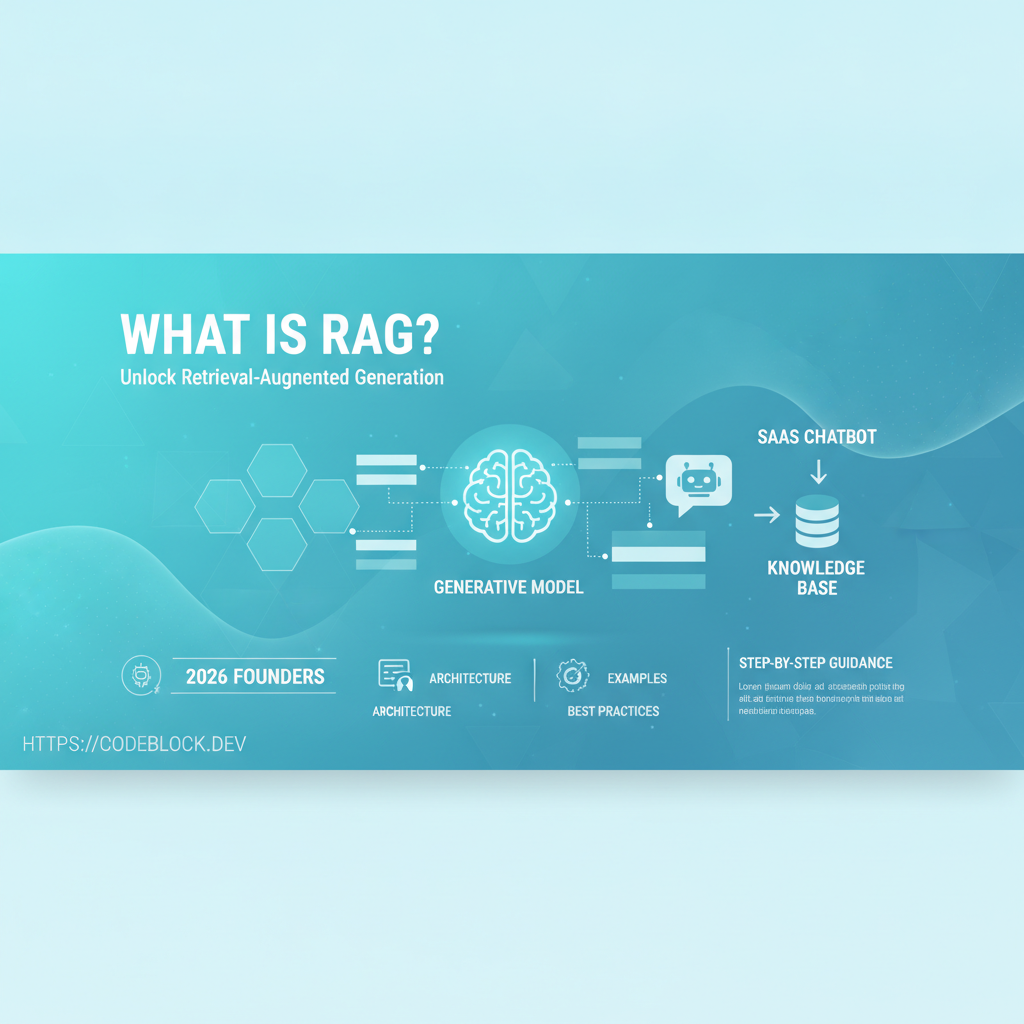
Retrieval-Augmented Generation (RAG) is transforming SaaS chatbots from rigid and shallow Q&A bots into context-aware assistants that answer customer questions using your own real data. Here’s what RAG is, why it matters, and a roadmap for founders and teams seeking to deploy AI chat in SaaS in 2026.
What is RAG? (And Why Not Just Use ChatGPT Directly?)
RAG architecture combines two systems: a retriever (which finds relevant documents or company data from your knowledge base) and a language model (which generates responses based on both the prompt and the retrieved data). This avoids hallucinations and ensures the chatbot stays accurate as your docs and product evolve.
Quick example:
- A user asks: “How do I reset my password?”
- The retriever searches your docs/FAQ and feeds the relevant snippet to the language model (LLM)
- The LLM produces a response grounded in your real support article, not just generic knowledge
How Does RAG Work in a SaaS Environment?
- Embed: Convert docs, FAQs, tickets, or knowledge base into vector embeddings using services like OpenAI or HuggingFace
- Store: Save these vectors in a fast vector database like Qdrant
- Retrieve: On user query, search for the top N semantically similar docs
- Generate: Feed retrieved content into the LLM’s prompt, which crafts the answer, citing sources where possible
- Respond & Learn: Deliver the answer, capture feedback, and iterate
Why RAG Outperforms Simple LLMs in SaaS
- Lower risk of wrong/made-up answers (“hallucinations”)
- Answers can reference your latest docs, pricing, internal workflows
- Enables data privacy: chatbot stays within scope of what your SaaS exposes
- Flexible for support, onboarding, or training bots — same architecture, new data
Implementation Example (High-Level, Using Qdrant)
- Use OpenAI’s embedding API to encode documents
- Store vectors in Qdrant (open-source vector DB)
- On question, retrieve nearest docs, feed text to GPT/Claude/Gemini
- Respond with answer + reference links or source highlights
Quick code skeleton (Python, pseudocode):
import openai, qdrant_client
# 1. Embed document
vector = openai.Embedding.create(input="doc content")
# 2. Store in vector DB
qdrant_client.upsert(collection="docs", vectors=vector)
# 3. On question
query_vec = openai.Embedding.create(input="question")
results = qdrant_client.search(collection="docs", query_vector=query_vec)
# 4. Pass top docs + question to LLM, get answer
Checklist: Shipping a RAG SaaS Chatbot
- Is your knowledge base well-structured and up to date?
- Are you comfortable embedding data (privacy, legal)?
- Can you monitor/tune retrieval quality and user feedback?
- Does your team know how to scale vector DBs as docs grow?
- Can you plug in different LLMs or swap models for privacy or cost?
CodeBlock DevKit: RAG-SaaS Made Simple
The AI Chatbot module in CodeBlock DevKit offers an opinionated framework for adding RAG—just point to your docs/content, configure provider, and your bot learns from your real docs, not just the public web.