Blazor SaaS: Why .NET Developers Should Consider It for Their Next Project
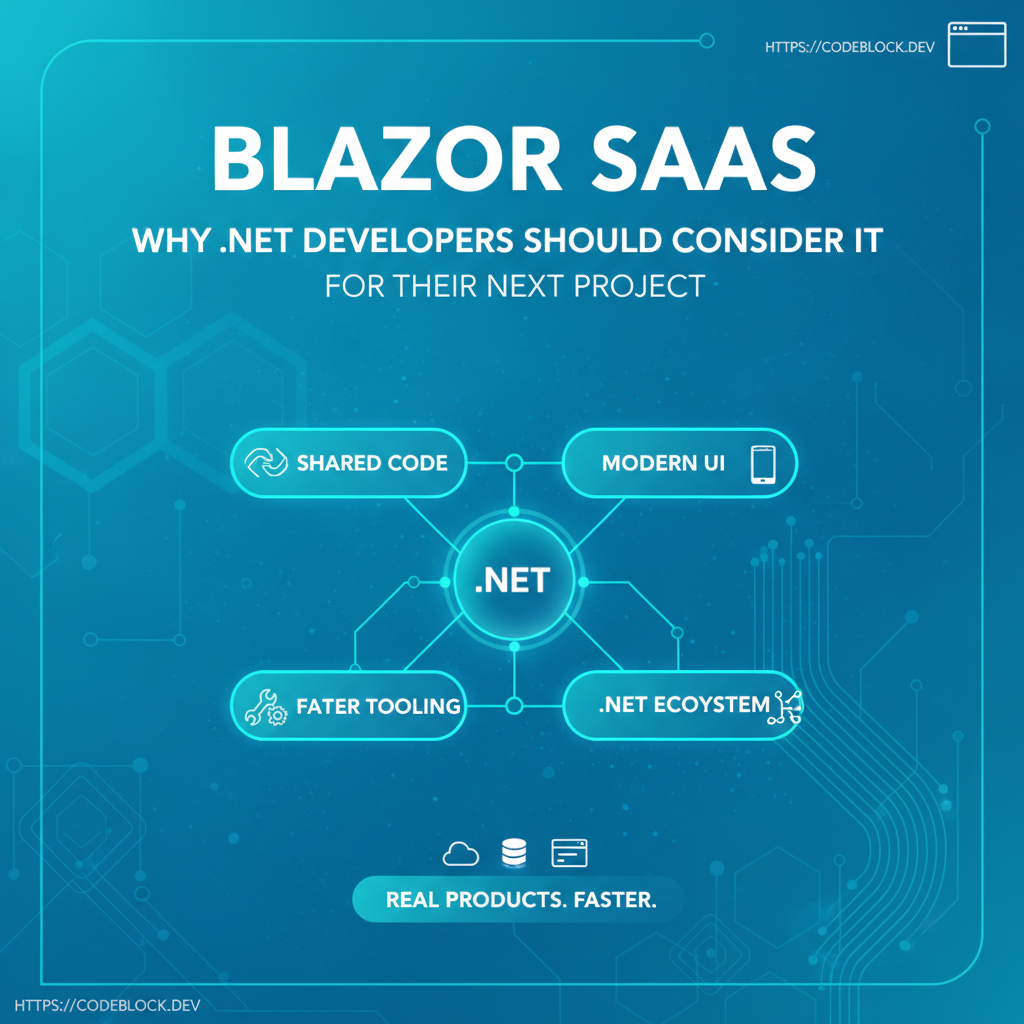
Blazor has rapidly matured to become one of the strongest choices for building next-generation SaaS in 2026. It’s not “the .NET way to do SPAs”—it’s a complete ecosystem for modern, maintainable, high-performance SaaS products. Here’s why so many .NET developers are moving critical projects to Blazor.
Modern Blazor: WebAssembly, Server, and Hybrid Power
- Single Language: Frontend and backend in C#—fewer bugs, less context-switching, and fuller reuse of business logic
- WebAssembly and Server Modes: Build pure client-side apps, server-hydrated, or hybrid for best perf and UX
- Rapid iteration: Make major changes to UI, validation, or business rules without shifting stacks or fighting JS transpilers
Blazor Advantages vs. React, Angular, Vue (for SaaS)
- Type Safety: End-to-end strong typing; catch bugs at build, not at runtime
- Shared models: No duplicated API/data contract—one
UserorInvoicetype used everywhere - Supercharged team velocity: No multi-language onboarding, easier automated codegen, tests, and maintainability
- Best tooling: Rich debugging, project templates, refactoring, and diagnostics—outpacing traditional JS stacks
- Single build pipeline: No “node_modules hell”—simpler CI/CD, easier version control, fewer random breakages on deploy or update
Designing SaaS UI with Blazor
- Realtime UX: Out-of-the-box support for SignalR/WebSockets, perfect for dashboards, notifications, live chat, or admin
- Reusable components: Compose UIs quickly from open-source Blazor libraries or your own plug-and-play widgets
- SSR/SEO ready: Modern Blazor supports pre-rendered and SEO-friendly output (fixes historic SPA SEO issues)
- Built-in auth and role management: Tight integration with ASP.NET Identity and external providers
- Accessibility: Microsoft’s accessibility commitment baked into controls, keyboard support, and ARIA
Limitations and Gotchas (and How Blazor Has Evolved)
- Wasm size/performance: Still heavier than plain HTML, but improvements in lazy loading, AOT, and cache make cold start much faster
- 3rd-party JS/library gaps: Some advanced graphics or integrations may still require JS interop. Community now fills most mainstream UI needs.
- SSR Routing Practice: Use hybrid patterns (SSR for landing, client Blazor for app) for best perf and SEO
Ecosystem, Templates, and Migration
- Large, fast-growing open-source library ecosystem for Blazor: charts, data grids, admin UIs, file upload, etc.
- Seamless .NET module integration (NuGet)—easy plug of payments, auth, notifications, analytics
- Migration: Use Blazor alongside existing Razor/MVC/React as a micro-frontend or full replacement
Where CodeBlock DevKit Shines for Blazor SaaS
CodeBlock DevKit uses Blazor for both admin and user panels, wired up with auth, SaaS modules, and scalable UI out of the box
- Deploy a prod-ready SaaS dashboard in hours
- Fully customizable—swap modules, themes, and flows as you grow
- Complete docs, upgrade path, and community support
Should You Use Blazor for Your Next SaaS? A Quick Checklist
- Your team is strong in C#/.NET and wants DRY, maintainable code
- You plan to share validation, business logic, and models between FE/BE
- Rapid prototyping and deploy is critical
- Real-time UX, complex dashboards, and RBAC are must-haves
- You want less engineering drag (JS/TS/CI pipeline complexity)
- Long-term maintainability for non-JS-front-end-heavy teams