SaaS Boilerplate vs SaaS Template: What's the Difference?
The two terms appear constantly when you're looking for a head start on a SaaS project. Forums, product pages, and GitHub repos use them interchangeably. But when you're choosing what to use for your next build, the difference matters.
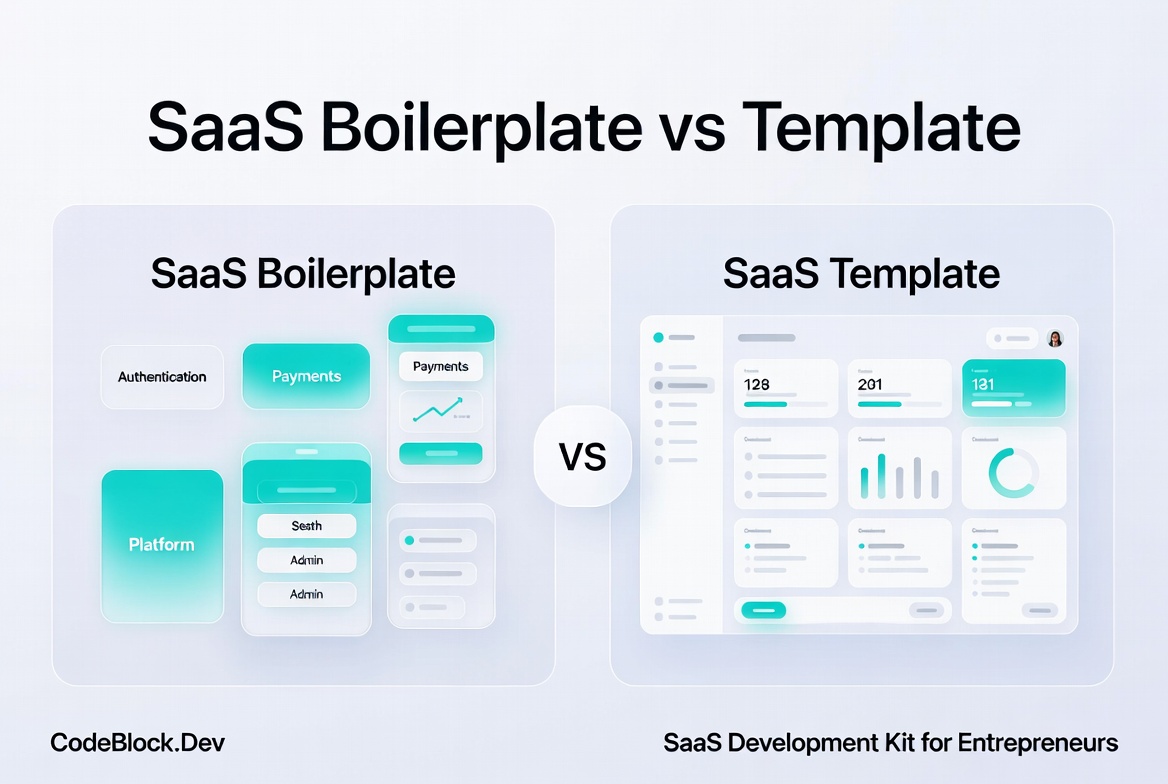
The short version: a saas boilerplate is a working code foundation you build on top of. A saas template is typically a visual or structural starting point, often UI-first, that may or may not include working backend logic.
What a SaaS Boilerplate Actually Is
A boilerplate is functional code. It runs. You can deploy it, log in, create a user, start a subscription, and see a working admin panel before you write a single custom feature.
A good saas boilerplate includes:
- Authentication that actually works: registration, login, email verification, password reset, two-factor auth
- Subscription billing connected to a processor like Stripe: checkout, webhooks, renewals, cancellations
- An admin panel with real user and billing management
- Role-based permissions throughout the application
- Background jobs, health checks, and monitoring
The point is coverage and depth. The infrastructure is wired, not stubbed. When you pick up a boilerplate, you're not inheriting a project structure - you're inheriting working software.
If you want to understand what that infrastructure actually involves to build from scratch, SaaS Foundations: The Hidden Work Behind a Real Product lays it out section by section.
What a SaaS Template Actually Is
A saas template is usually UI-first. It gives you a visual starting point: page layouts, dashboard designs, landing page components, color schemes. The front-end often looks polished. The backend may be thin, mocked, or entirely absent.
Templates are most useful for:
- Front-end developers who want to avoid designing from zero
- Rapid UI prototyping or demo builds
- Projects where you're building or bringing your own backend
Some products marketed as templates do include working backends. The gap between "template" and "boilerplate" has blurred as more products ship both UI and logic together. But as a default assumption: a template gives you a good-looking shell, a boilerplate gives you a working engine.
Side-by-Side
| SaaS Boilerplate | SaaS Template | |
|---|---|---|
| Primary focus | Functional backend modules | UI design and layout |
| Auth included? | Yes, fully working | Sometimes, often mocked |
| Billing included? | Yes, integrated | Rarely |
| Admin panel? | Functional | UI only, or absent |
| Deployable as-is? | Yes | Not usually |
| Best for | Shipping a real product | Prototyping or front-end work |
What About "SaaS Starter Kit"?
A saas starter kit is usually a synonym for a boilerplate. The term is common in the JavaScript and Next.js ecosystem. In backend-focused stacks, "boilerplate," "devkit," or "development kit" are more typical.
The label rarely tells you enough on its own. Look at what's actually included: does it have working auth? Real billing with webhook handling? A functional admin UI? Those details matter more than what the product calls itself. For a full breakdown of what separates these terms and what to look for when evaluating, What Is a SaaS Boilerplate? covers it directly.
Which One Do You Need?
If you are building a product that will have real users and real subscriptions: use a boilerplate. You need working backend logic, not just a polished UI.
If you are prototyping a UI, pitching an idea, or already have a backend and need a polished front-end starting point: a template is the faster choice.
When evaluating either, read what's actually included. Marketing language varies widely. Some things called "templates" are full boilerplates; some things called "boilerplates" are thin scaffolds.
One More Option
For .NET developers, CodeBlock DevKit sits clearly on the boilerplate side: a full-stack SaaS development kit with working modules for authentication, subscriptions, admin panel, and more, shipped as NuGet packages alongside a ready-to-use SaaS template on GitHub.