SaaS Role-Based Access Control: How to Implement It Properly
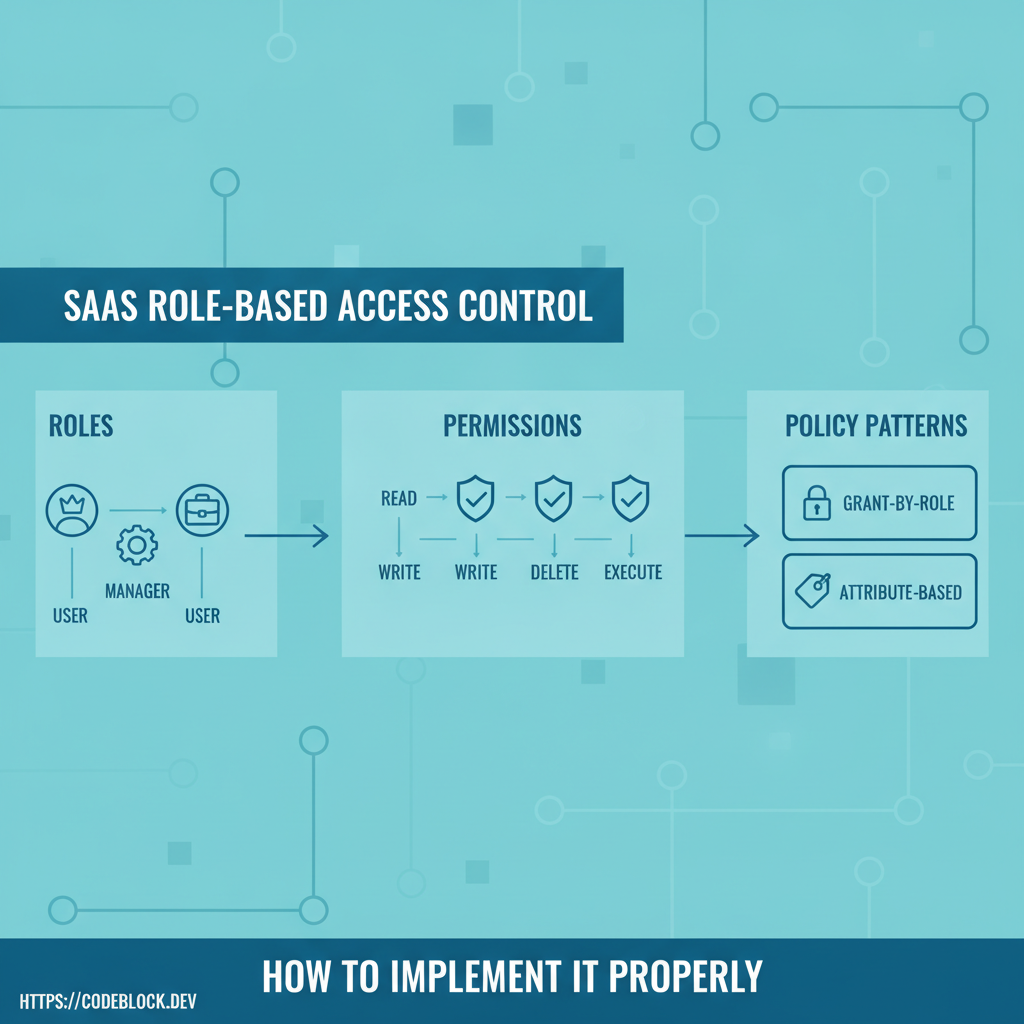
Role-based access control (RBAC) is core to SaaS production security. It’s more than “admin v. user”—it’s about trust, regulatory safety, and reliable operations. Here’s the 2026 hands-on guide to getting RBAC right for SaaS.
1. Roles, Permissions, Policies: Definitions and Patterns
- Roles: named groups (admin, manager, operator, user, support, billing, custom)
- Permissions: atomic rights (invite user, issue refund, edit billing). Granular = more security
- Policies: rules that conditionally allow/deny actions based on context (ownership, project, plan, department)
- Parent/child roles for easy inheritance and scaling
2. Pattern Implementation (.NET/Blazor, Production Style)
- Use ASP.NET Core Identity for user/role/claim management
- Code permission attributes/policies for controllers/API/routes:
[Authorize(Roles="Admin")], or claims-based policies - Custom attributes for feature gates:
[HasPermission("Billing.Edit")] - Store all mappings in code and in config or admin UI for easy upgrade/restore
- Document/test every permission before launch; automate test coverage for changes
3. Guardrails and UX
- Support self-serve role/permission management for organizations (not just hardcoded by dev)
- Audit logs on every role/perm change—security support and debugging
- Roll back roles/permissions as needed for support/safety
4. DevKit: RBAC Done for You
CodeBlock DevKit includes full RBAC: role management UI, permission/claim assignment, policy code, enforced at all API/UI levels, ready for extension.
- Rapid onboarding for new permission needs, versioned configs, and admin/ops UI
RBAC Readiness Checklist
- Every business action mapped to permission(s)
- Roles, policies, and inheritance reviewed, described, and tested
- Self-serve/user+admin assignment UI live
- Audit logs and rollback/ops flows tested
- Launch docs and support FAQ ready
Explore further: